Combine Images Online
Combine images the way a whiteboard works: drop them on, line them up, download one picture. Nothing to install, nothing uploaded, and the file is as sharp as your originals.
- Free, no watermark
- Pictures stay on your device
- AI Blend built in
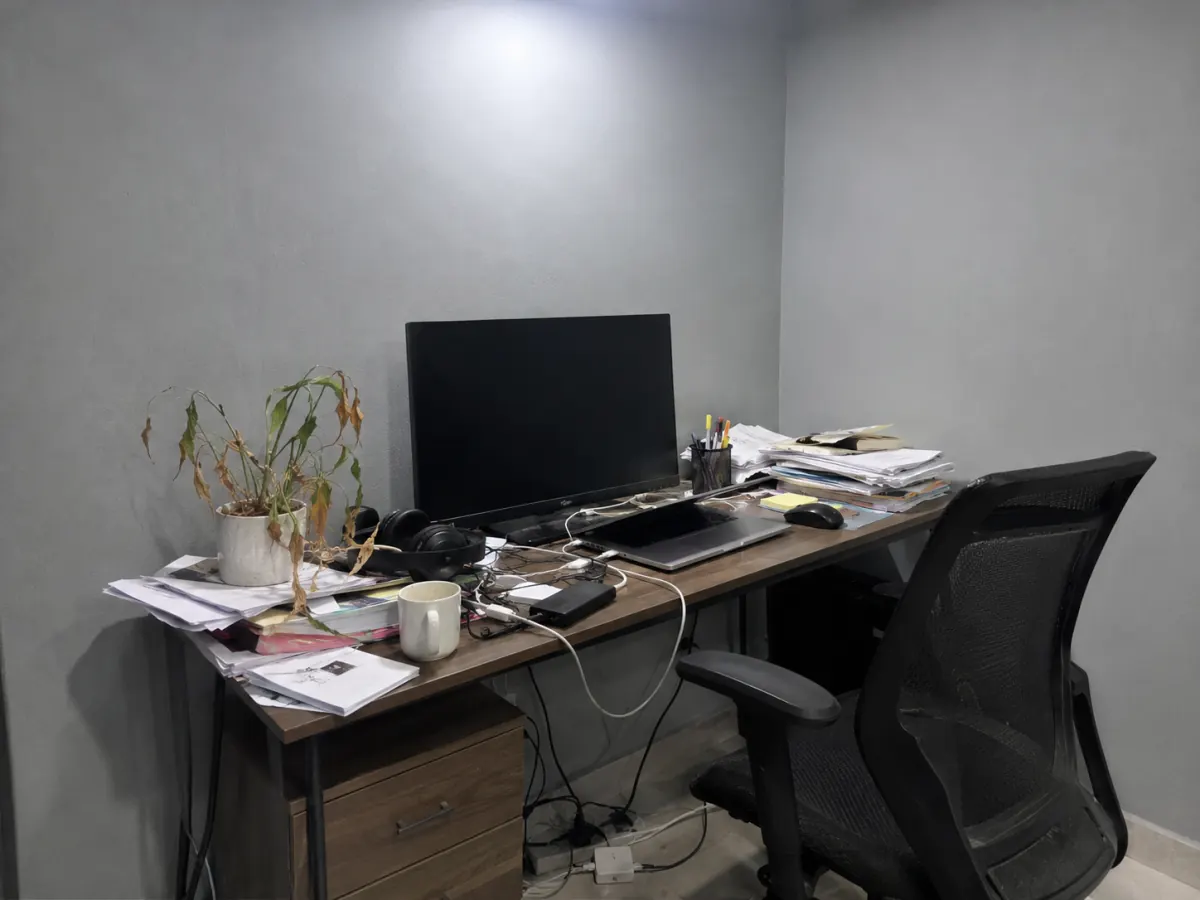 Before
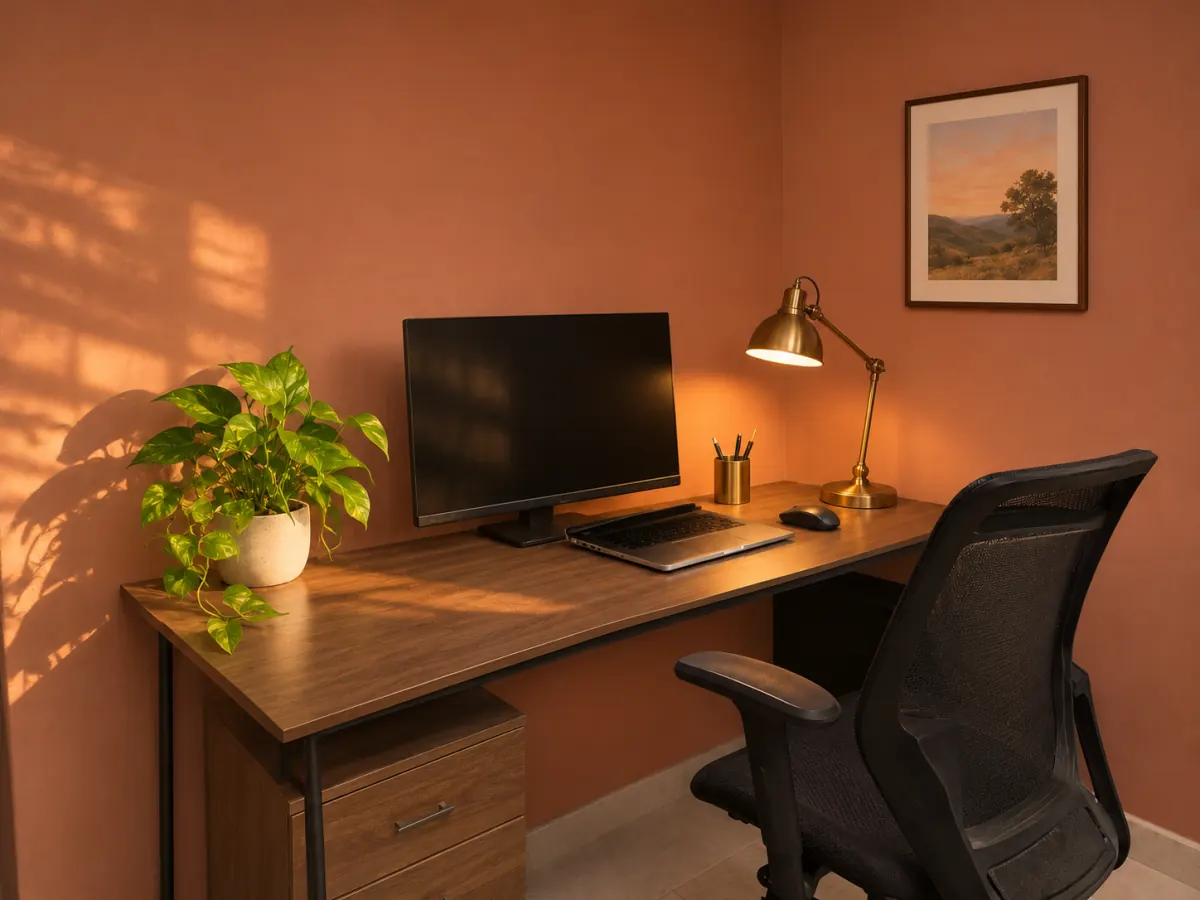 After
Before and after
Combine two photos in one frame
A room makeover, a haircut, a product next to its box: the first reason anyone wants to combine images is to show two of them at once. Add both and the tool sets them side by side at the same height.
- Combine images of different sizes: Match sizes lines them up
- One click labels them Before and After, drawn into the file
- Rotate or flip a sideways phone photo right on the canvas
Layouts
Four ways to combine multiple images into one
There are four ways to combine images here: pick one from the toolbar under the canvas. Each card below is drawn exactly the way the tool saves it.
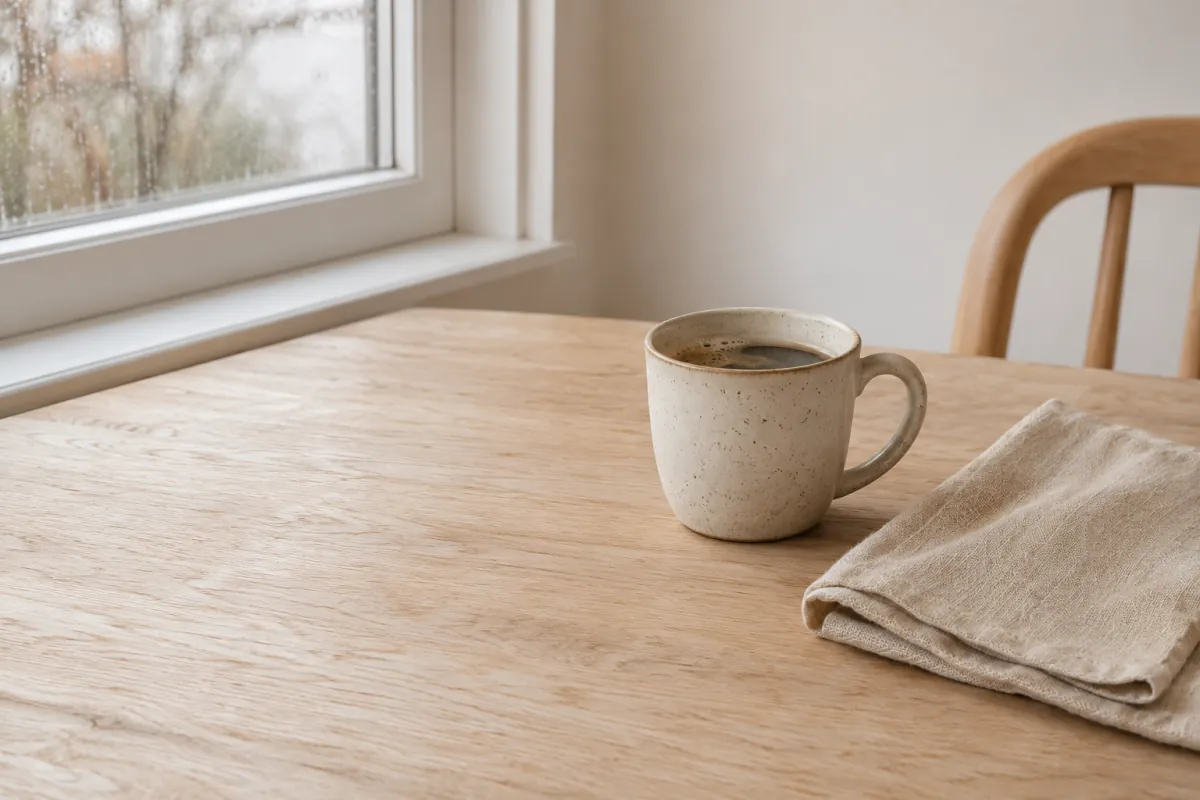
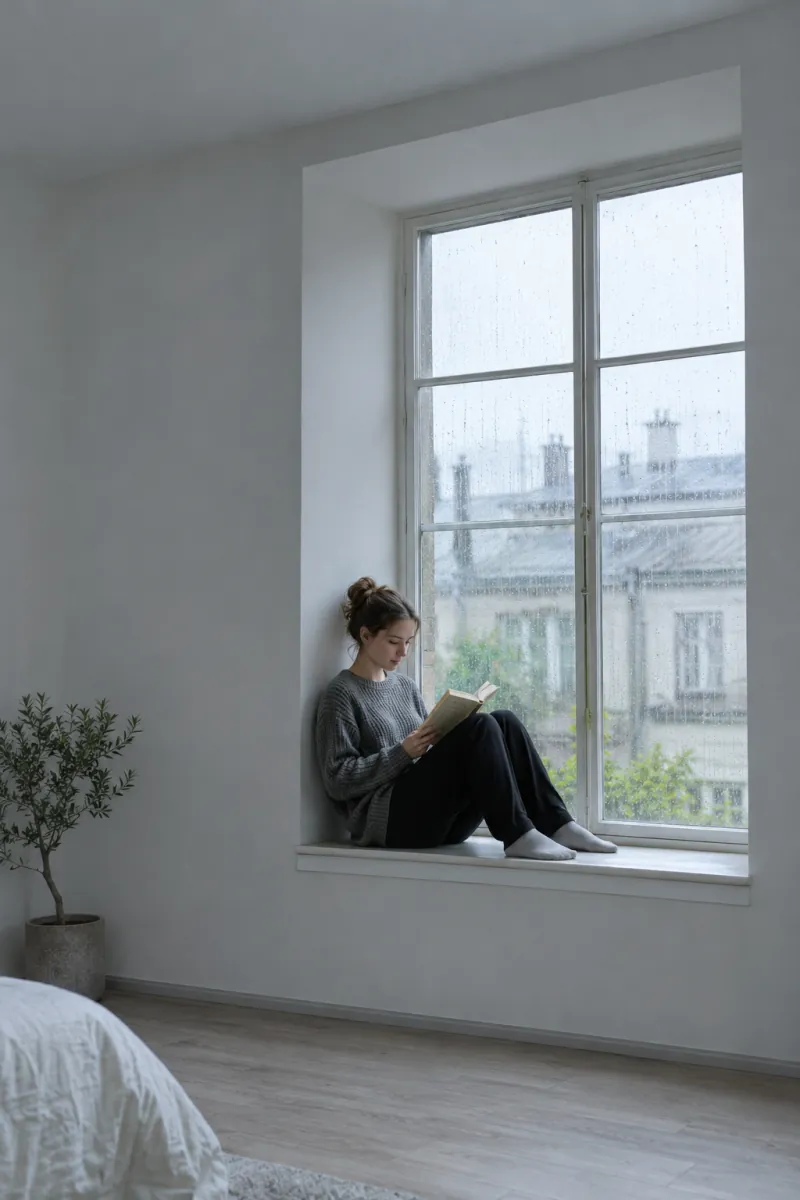
Side by side
Every picture at one height, in a row. The way to combine images for comparisons and pairs.
Stack
Combine images one above the other at one width: long screenshots, steps, a recipe from start to plate.
Grid
Combine images in 1 to 10 columns. Two columns make four pictures into one square; Fill trims each cell to one shape.
Free
Combine images any way you like: drag, overlap, resize from a corner. What sits inside the dashed frame is what you save.
Press Free in the toolbar
AI Blend
Combine images with AI into one real-looking photo
Sometimes you don’t want to combine images next to each other, you want one picture. Press AI Blend, tap two to four pictures on the canvas and pick what should happen. These three are real results.
- 12Put into a scene
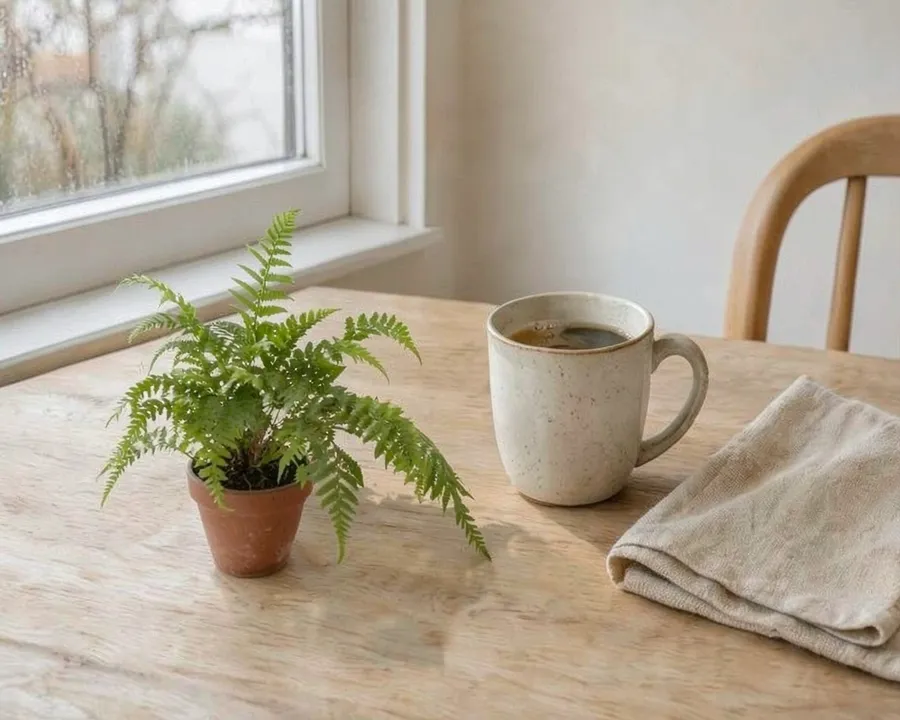
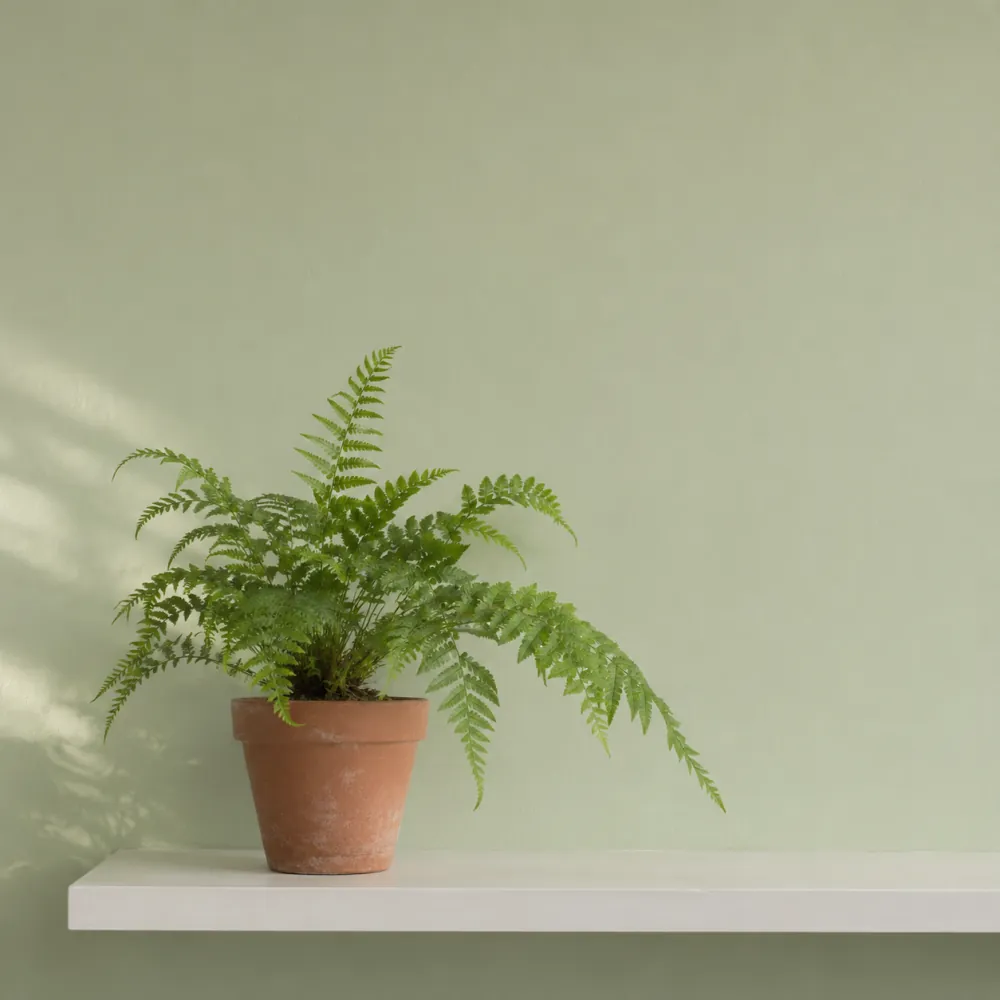
The fern from picture 1 now stands on the table from picture 2, in its window light.
 1
 2Together in one photo
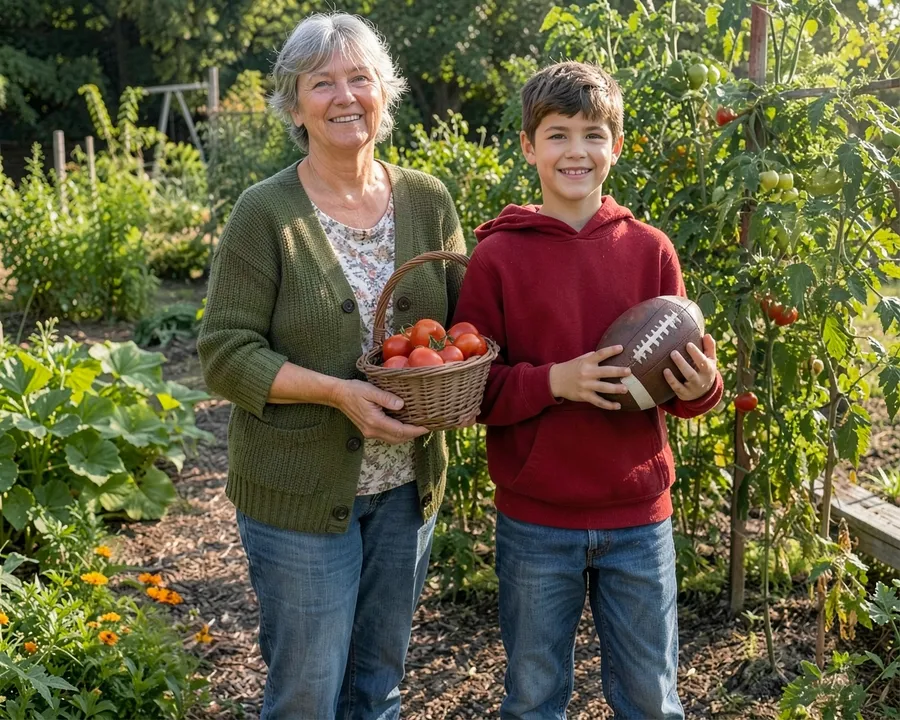
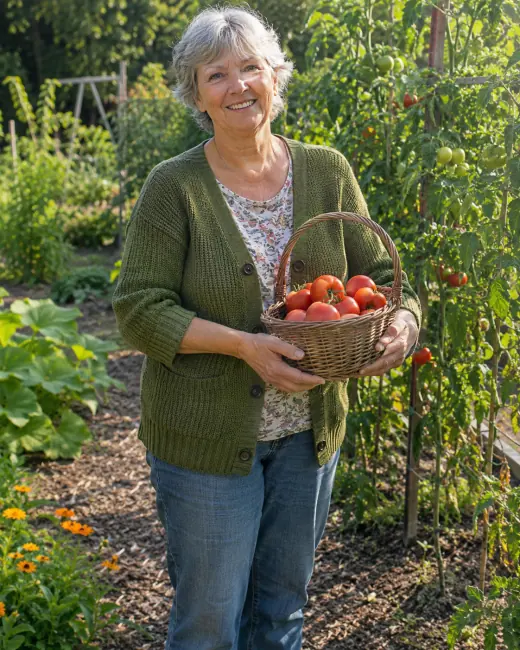
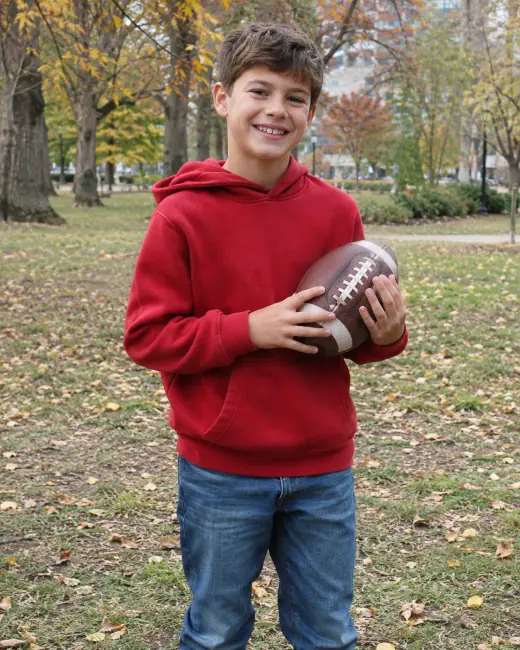
Combine images of two people photographed apart into one picture of them together, in her garden.
- 1
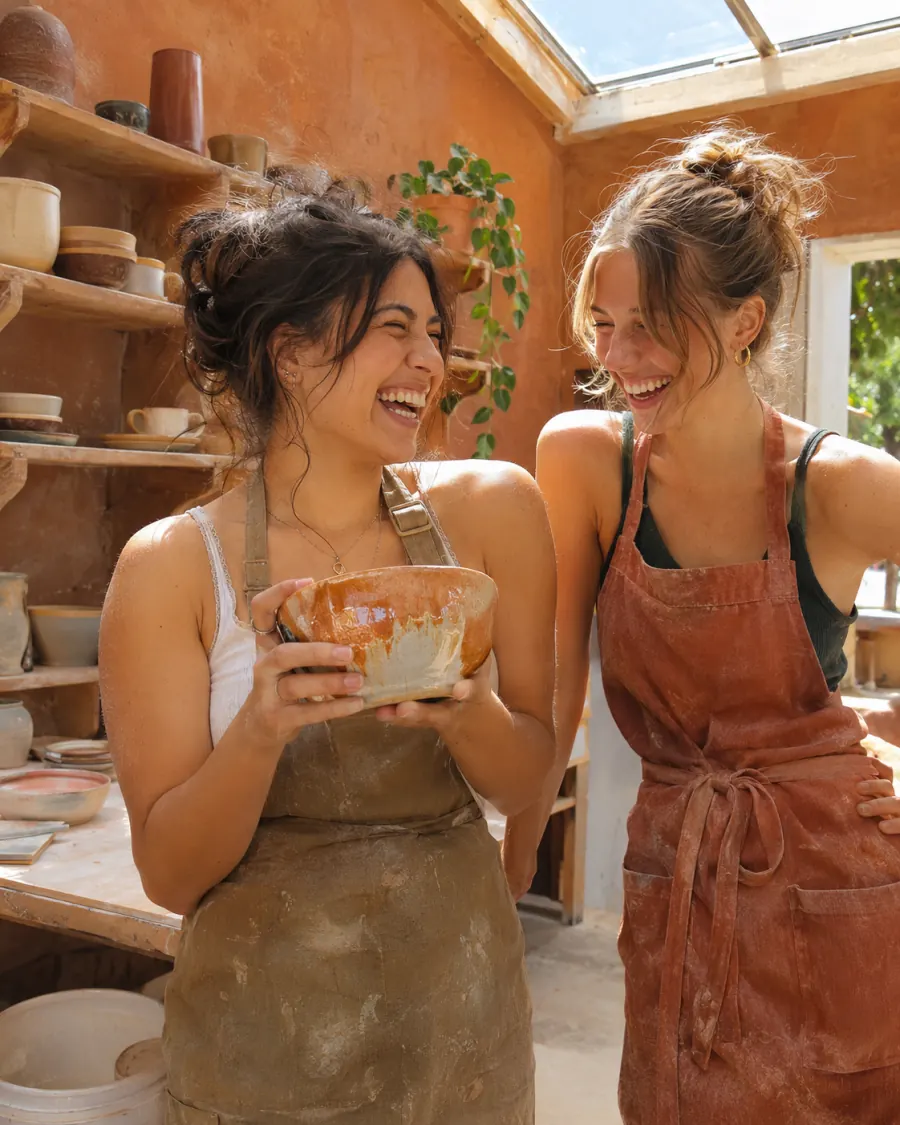 2Match a look
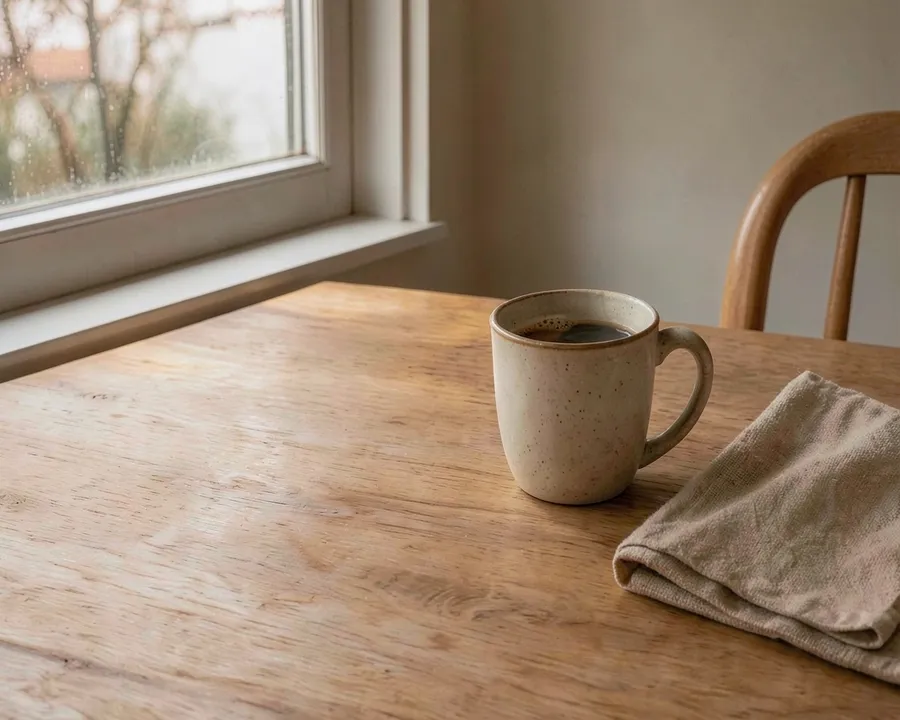
Picture 1 keeps its cup and table but takes the warm clay light of picture 2.
Each time you combine images with AI Blend, it takes about ten seconds and one AI credit. Without an account you get 1 free blend a day; a free account gets 3 a month, Pro 200. Blends come out around 1,000 px, so upscale image takes them to print size.
For Instagram
Combine images into one Instagram post without cropping
When you combine images in a row, the result is far too wide for the feed, and Instagram would cut its ends off. Under Shape, pick 1:1, 4:5 or 9:16: the whole merge sits inside that frame and the background fills the rest.
Auto
Exactly the pictures
1:1
Square post
4:5
Tallest feed post
9:16
Story or Reel
For one photo at a time, the image resizer for Instagram does the same with blur and mirror fills.
Then swipe through it
Combine images into a panorama, then split it into a carousel
Combine images side by side with no gap and you have one wide strip. After you download, press Split it into a swipeable carousel: the image splitter opens with the strip cut into squares that slide into each other.
Want words on the slides? The carousel maker adds them. Want the strip across your profile instead? The Instagram grid maker turns it into a grid.
On your phone
Combine images on iPhone or Android, no app needed
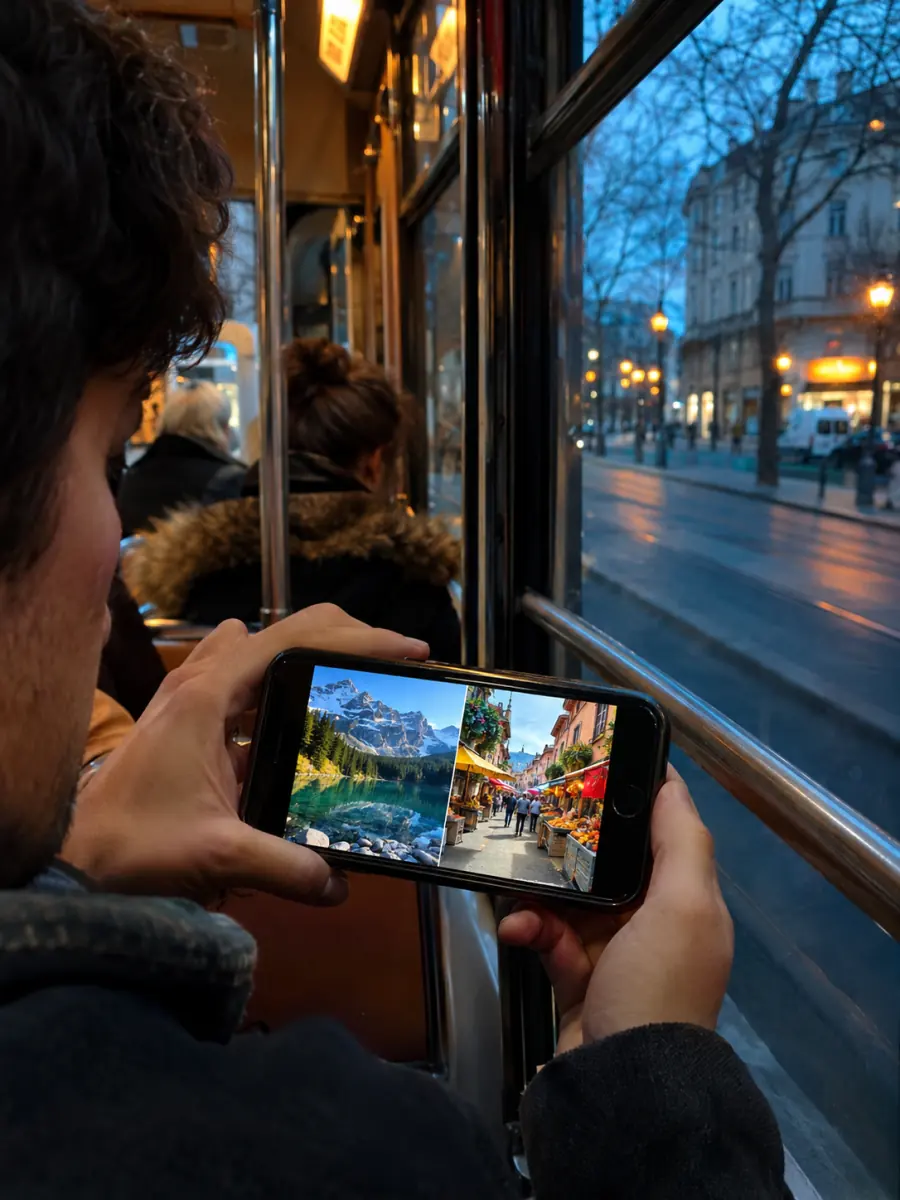
The Photos app has no way to combine images. This page does, in Safari or Chrome, with the panel under the canvas instead of beside it.
- 1
Add images
To combine images on a phone, tap Add images and pick from your library. JPG, PNG, WebP and iPhone HEIC all open.
- 2
Pick a layout
Combine images side by side, stacked, in a grid or freely. Drag one picture onto another to swap them.
- 3
Save to Photos
Tap Download, then Save Image. The merged picture lands in your camera roll, full size.
Free and Pro
Combine images free, with more room on Pro
| Feature | Free | Pro and Lifetime |
|---|---|---|
| Every layout, Instagram frames, full resolution | Yes | Yes |
| Pictures per merge | 10 (20 signed in) | 50 |
| Watermark | None | None |
| AI Blend | 1 a day, 3 a month signed in | 200 credits a month |
Combine images free on any plan; Pro also unlocks 50-photo batches in every other tool. See Pro and Lifetime.
Combine images: questions
How do I combine two photos into one?
How do I combine images of different sizes?
How many pictures can I combine at once?
Do my photos lose quality when I combine images?
Are my images uploaded?
Can AI combine two images into one realistic photo?
How do I combine images on iPhone?
Can I combine images into a PDF?
Keep going
- Image SplitterCut any image into a grid, exact pixel tiles or printable poster pages, with every piece kept at full size.
- Carousel makerPick a template, change the words and photo, and download Instagram carousel slides or a LinkedIn PDF.
- 3x3 makerSearch anime, manga or characters, or add your own pictures, and save your top 9 as one square or Story image.
- Instagram grid makerTurn one photo into a seamless 3-column profile grid.
- Image resizer for InstagramFit the whole photo into a 4:5 post, a Story or the 3:4 grid, with blur, mirror or white fill.
- Upscale ImageMake a small picture 2× or 4× larger with AI in your browser. Nothing is uploaded.
- Photo ResizerResize a photo to Instagram sizes, exact pixels or a file size in KB, without cropping it. Nothing is uploaded.
- Batch crop photosCrop a whole set to one shape at once, each crop placed over its subject.
- Instagram grid size guideTile and source photo sizes, a fix for grids that do not line up, seamless carousels and LinkedIn PDFs.
- All Instagram toolsGrid maker, carousel maker, image splitter, upscaler, three photo resizers, a batch cropper and 3x3 maker on one page, with what each is for.
- Help centerStep-by-step guides for every tool.
- Plans & pricingFree single grids. Compare Pro and Lifetime for larger batches.