Image Resizer for Instagram
This image resizer for Instagram fits the whole photo into any Instagram size and shows what your profile grid keeps. Nothing is uploaded.
Your photos
JPG, PNG, WebP or HEIC. Add several and they all come out the same size, ready for one carousel.
Instagram size
Tallest in the feed
Keep it whole or crop
This photo already has this shape: nothing is cropped or filled.
Fill around it
The profile grid shows the bright 3:4 part and hides 6% at the edges.
Runs on your device. Nothing is uploaded.
Instagram cuts any photo that is not one of its shapes. This image resizer for Instagram makes the shape for it, keeps the whole picture, and shows you what your profile grid will show before you post.
- Free, no watermark
- Nothing uploaded
- Profile grid preview
Instagram sizes for 2026
Image resizer for Instagram: six shapes, drawn to scale
Every feed photo is 1080 px wide; only the height changes. Tap a shape and the image resizer for Instagram above switches to it, with the same photo inside so you can compare.
Instagram scales anything wider than 1080 px down to 1080, so a bigger file adds nothing. Exact pixels, a percentage or a size in KB for other sites are in the photo resizer.
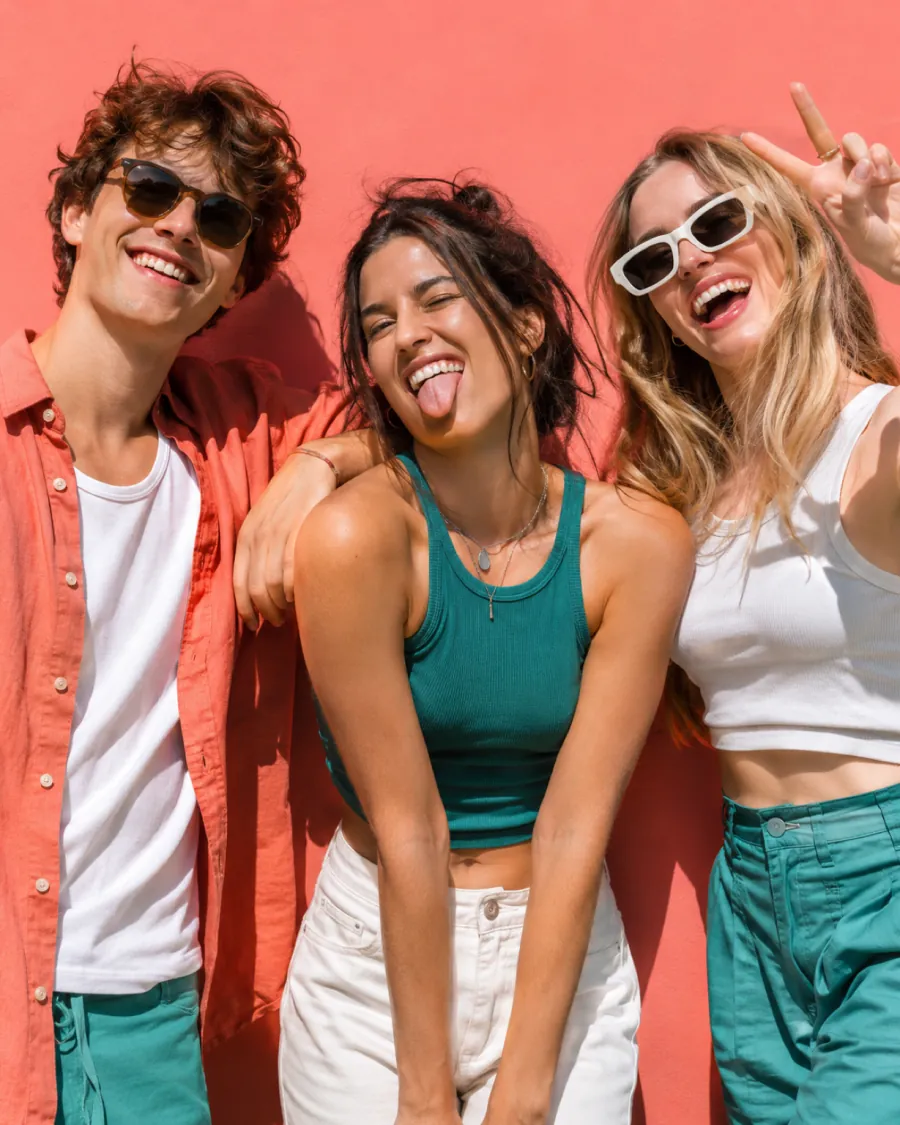
4:5 or 3:4
What the profile grid cuts off, and how to see it first
Since 2025 the profile grid shows every post as a 3:4 tile, while the feed still takes 4:5. Post 4:5 and the grid trims the sides; post 3:4 and nothing is lost in either place.
Leave Show what the profile grid keeps on and the image resizer for Instagram dims what the grid will hide, so a face or a word at the edge never disappears by surprise.
Four steps
How to post on Instagram without cropping
- 1
Add photos
Press Add photos, drop them or paste one. Several photos come out the same size, ready for a carousel.
- 2
Pick the Instagram size
In the image resizer for Instagram choose Feed post, Grid post, Square, Landscape, Story & Reels or Profile picture. The preview changes shape at once.
- 3
Keep it whole
Leave Whole photo on and choose Blur, Mirror, White or Colour. Fill and crop is there if you would rather drag to frame it.
- 4
Download
Press Download photo (Save photo on a phone). You get a 1080 px JPG; several photos come as one ZIP.
Screenshots of each control are in the help center.
Landscape photos
How to post landscape photos on Instagram: four ways to fill the frame
A wide photo in a tall post leaves space above and below. Here is one blue-hour photo going into a 4:5 post with each fill the image resizer for Instagram offers, and the crop most apps make instead.
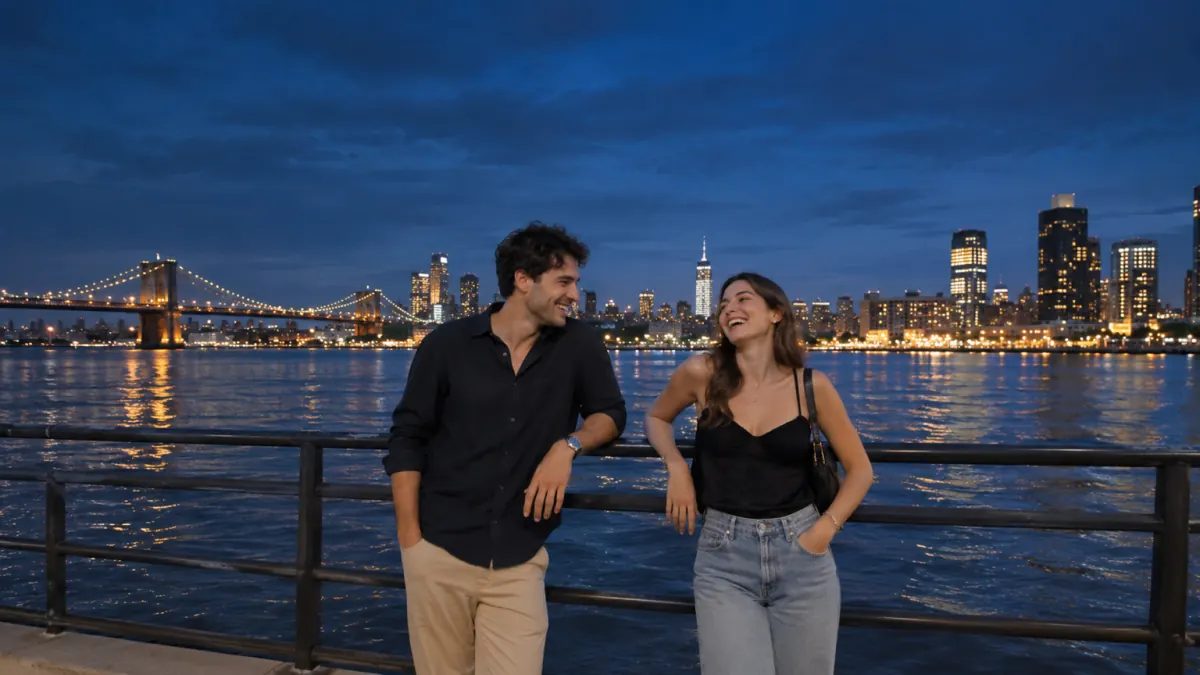
Blur
Whole photo, calm surround
Mirror
Edges carry on, no blur
White
Clean gallery look
Cropped
Bridge and skyline cut off
Mirror works best on skies, water, walls and sand: the photo's own edges carry on, so the post looks taller rather than framed.
Too wide for one post? Cut a panorama into slides people swipe through with the carousel maker. Happy to crop a whole set to 4:5? Batch crop photos with each crop placed on its subject.
White borders
Add white borders to a photo for a clean, even frame
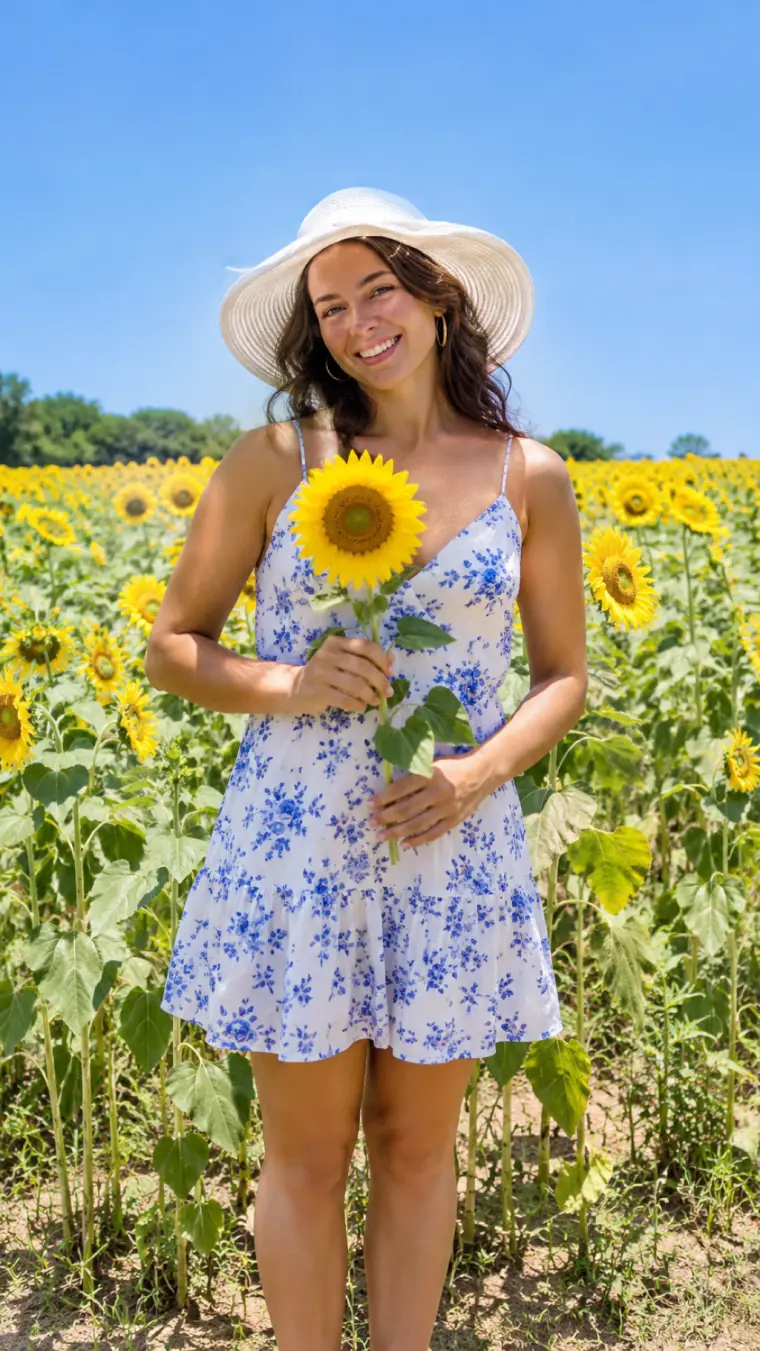
Borders keep a feed calm and make every post read as one series. In the image resizer for Instagram choose White or your own Colour, then a Border of 3%, 6% or 10%: the frame is even on all four sides, even on a photo that already has the right shape.
Sharp on upload
Why photos look blurry on Instagram
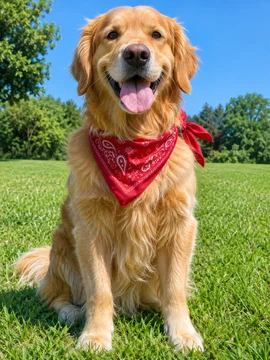
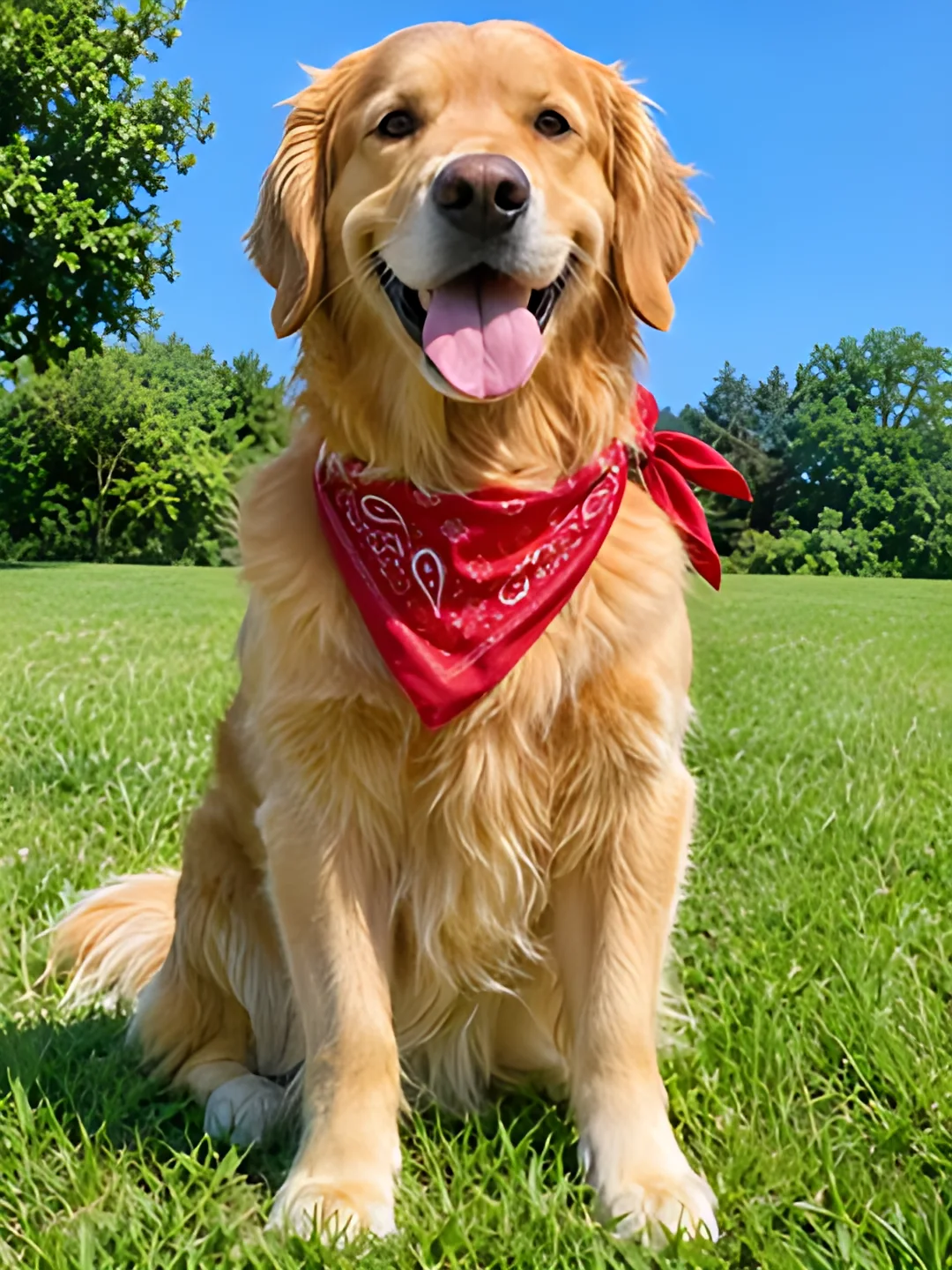
- Narrower than 1080 pxInstagram stretches it to 1080, so it turns soft. The image resizer for Instagram warns you and offers AI upscaling first.Upscale image
- Compressed twiceEvery app that re-saves a JPG loses a little. We save at high quality so Instagram's own pass starts from more.
- Wrong shapeA shape Instagram does not take gets cut on upload, and the cut part is gone. Fit it first and nothing is cut.
Free and Pro
Free for every photo, with bigger batches on Pro
Every size, fill and border in the image resizer for Instagram is free with no watermark. Signing in lets one run take 20 photos; Pro and Lifetime take 50 and add 200 AI credits a month for 4× upscales.
See plans| Feature | Free | Pro / Lifetime |
|---|---|---|
| Every size and fill, borders | Yes | Yes |
| Photos per run | 10 (20 signed in) | 50 |
| Watermark | None | None |
| AI credits for 4× upscales | 3 a month signed in | 200 a month |
FAQ
Questions about the image resizer for Instagram
How do I post on Instagram without cropping?
Should I post 4:5 or 3:4?
How do I post a landscape photo on Instagram without losing the sides?
How do I add white borders to a photo for Instagram?
What size should a profile picture be?
Why does my photo look blurry after posting?
Can I resize several photos for one carousel?
Are my photos uploaded?
Does it work on iPhone photos?
Fit your next post
Free, no watermark, nothing uploaded. The image resizer for Instagram remembers your size and fill for next time.
- One photo across your whole profile? The Instagram grid maker cuts it into 3:4 tiles in posting order.
- An old or small photo? Upscale the image 2× or 4× with AI before you fit it.
- Listing products too? The bulk photo resizer does Etsy, Amazon and Shopify sizes in one ZIP.
Keep going
- Photo ResizerResize a photo to Instagram sizes, exact pixels or a file size in KB, without cropping it. Nothing is uploaded.
- Instagram grid makerTurn one photo into a seamless 3-column profile grid.
- Carousel makerPick a template, change the words and photo, and download Instagram carousel slides or a LinkedIn PDF.
- Upscale ImageMake a small picture 2× or 4× larger with AI in your browser. Nothing is uploaded.
- Instagram grid size guideTile and source photo sizes, a fix for grids that do not line up, seamless carousels and LinkedIn PDFs.
- Bulk Photo ResizerResize a whole batch into Etsy, Amazon, Shopify and Instagram sizes in one ZIP.
- Batch crop photosCrop a whole set to one shape at once, each crop placed over its subject.
- Image SplitterCut any image into a grid, exact pixel tiles or printable poster pages, with every piece kept at full size.
- 3x3 makerSearch anime, manga or characters, or add your own pictures, and save your top 9 as one square or Story image.
- All Instagram toolsGrid maker, carousel maker, image splitter, upscaler, three photo resizers, a batch cropper and 3x3 maker on one page, with what each is for.
- Help centerStep-by-step guides for every tool.
- Plans & pricingFree single grids. Compare Pro and Lifetime for larger batches.