Image Splitter
Image
Sample photo
JPG, PNG, WebP, GIF, AVIF, BMP or HEIC, up to 50 MB. The image splitter runs on your device.
Split mode
Quick splits
Drag a line to move it. Double-click a line, or select it and press Delete, to remove it.
0 pieces
Pieces
0 of 0 selected
Splitting a whole folder?
Pro and Lifetime run the image splitter on up to 50 images in one go, with the same layout.
Compare plans →Posting the pieces on Instagram?
Preview a 3-column profile grid →Turn a wide image into a carousel →
Split image online in seconds with one image splitter for every job: grids, exact tiles, poster pages, long screenshots and AI sheets. Every piece from the image splitter keeps its full resolution and never leaves your device.
- Nothing uploaded
- Full-size pieces
- Works on any phone
Split modes
Five ways this image splitter cuts a picture
Most photo splitter apps only do an even grid. Here the grid is just the start; pick a card to open that mode in the image splitter above.
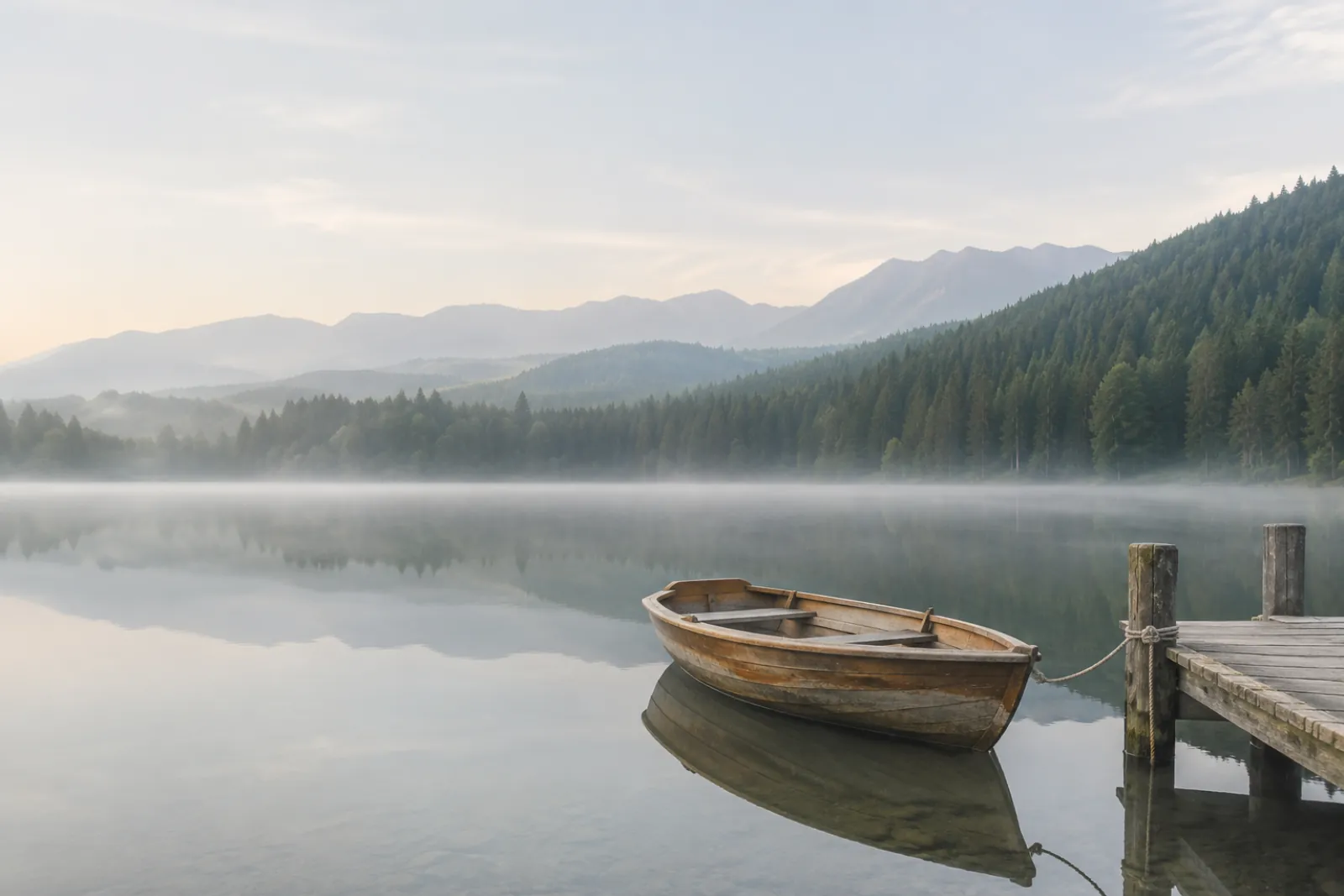
Grid and free lines
Rows × columns up to 20 × 20. Drag, add or delete any line for pieces of different sizes.
Exact pixel tiles
Tiles of 64 × 64 or any size you type. The last row keeps whatever is left.
Printable poster
The image splitter lays out A4, Letter or A3 sheets with overlap and cut marks in one PDF.
Long screenshots
Cuts land in the blank gaps between paragraphs, never through a line of text.
AI image sheets
Finds the white gaps in ChatGPT, Gemini or Midjourney grids and trims them off.
Equal parts
Cut an image into equal parts by rows and columns
This grid image splitter online divides the width and height evenly, so every piece is the same size and no pixel is lost. Pick a split here, or type up to 20 rows and 20 columns in Grid mode.
Cutting nine pieces (3 × 3) to post on Instagram? Make a 3 × 3 Instagram profile grid instead: it previews your feed and numbers the posts in the order to upload them.
How it works
How to use the image splitter online in three steps
No account and nothing to install. The image splitter remembers your last split on this device, so you can close the tab and finish later.
1.Add your picture
Press Upload image, drop a file on the page or paste from the clipboard.
2.Set the cuts
Choose a mode in the image splitter and a quick split, or drag the lines. Tap a piece to leave it out.
3.Download the pieces
One ZIP, a single piece, or Save to Photos on a phone. Names follow the order you pick.
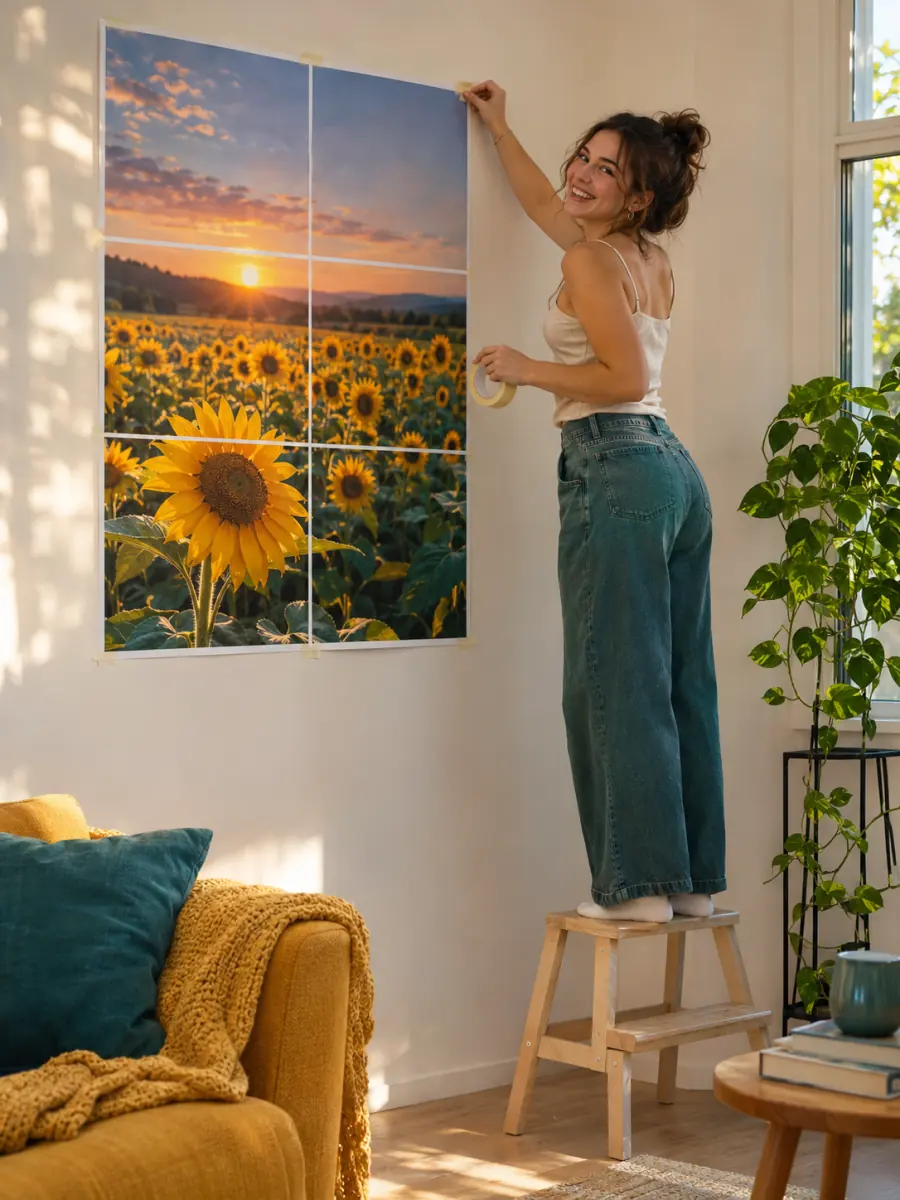
Print a poster
Split an image into printable A4 pages
To split image files across A4, Letter or A3 sheets, choose Print poster and say how many sheets wide the poster should be. The image splitter works out the rows, adds a small overlap so the sheets can be glued without a gap, and saves every page in one PDF with cut marks. It also tells you how sharp the print will be.
| Photo width | Sharp up close | Fine from a step back | A4 sheets across |
|---|---|---|---|
| 3,000 px | 38 cm | 64 cm | up to 3 |
| 4,000 px | 51 cm | 85 cm | up to 4 |
| 6,000 px | 76 cm | 127 cm | up to 6 |
| 8,000 px | 102 cm | 169 cm | up to 9 |
Sharp = 200 dpi or more, fine = 120 dpi or more; portrait A4, 8 mm margins, 10 mm overlap. The image splitter runs the same check on your own photo.
Photo too small for the poster you want? Upscale the image 2× or 4× with AI first, then come back and cut it.

Long screenshots
Cut a long screenshot between paragraphs
A scrolling capture of a chat, a recipe or a web page is too tall to post or read. Pick a piece height (9:16 for Stories, 4:5 for posts or A4 for print) and the image splitter moves every cut up to the nearest blank gap.
- No sentence cut in half
- Every piece the full width of the screenshot
- Drag a cut if you want it elsewhere
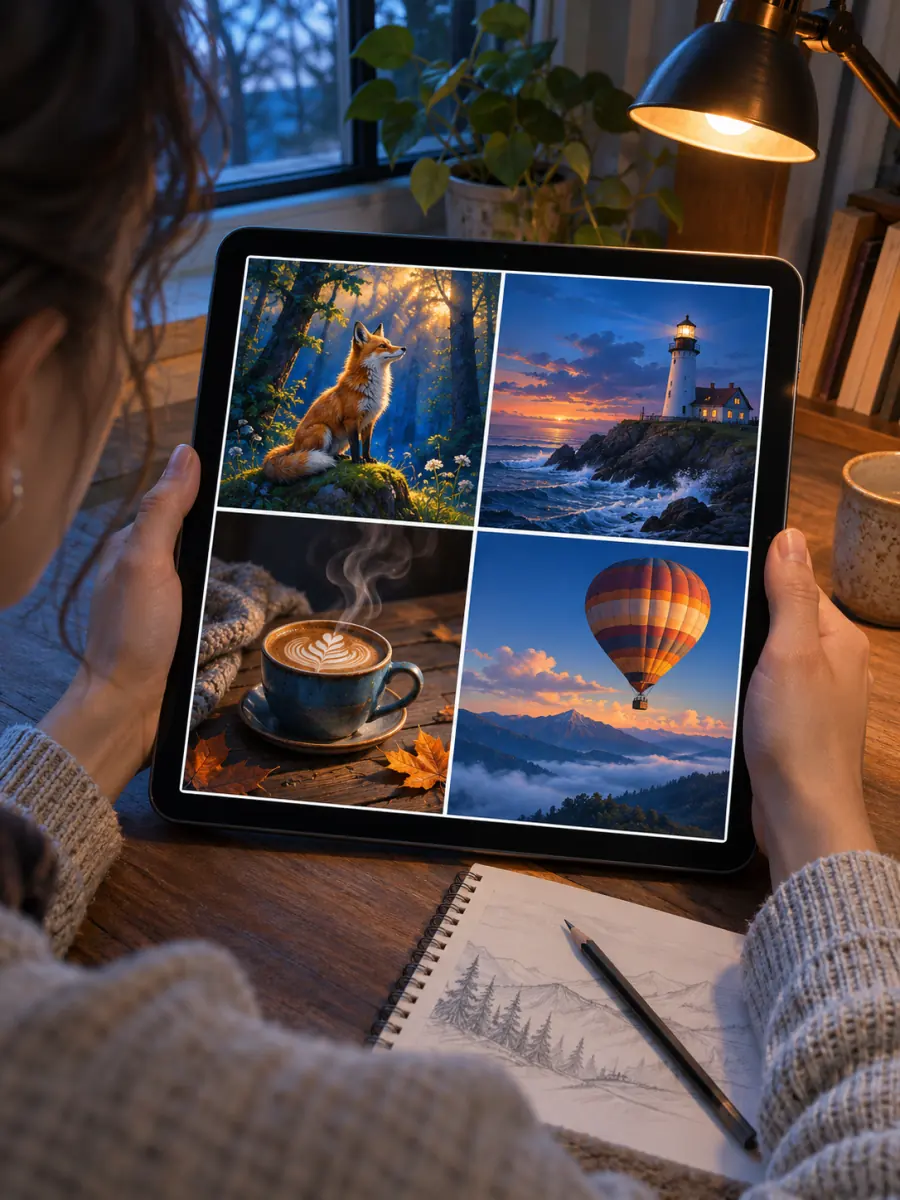
AI image sheets
Separate ChatGPT and Midjourney grids
AI tools often hand back four or six pictures in one file. AI image grid mode in the image splitter finds the gaps between them, places the cuts in the middle and trims the white so no sliver is left on the edges.
No gaps, as in many Midjourney sheets? The image splitter falls back to an even 2 × 2 that you can change.
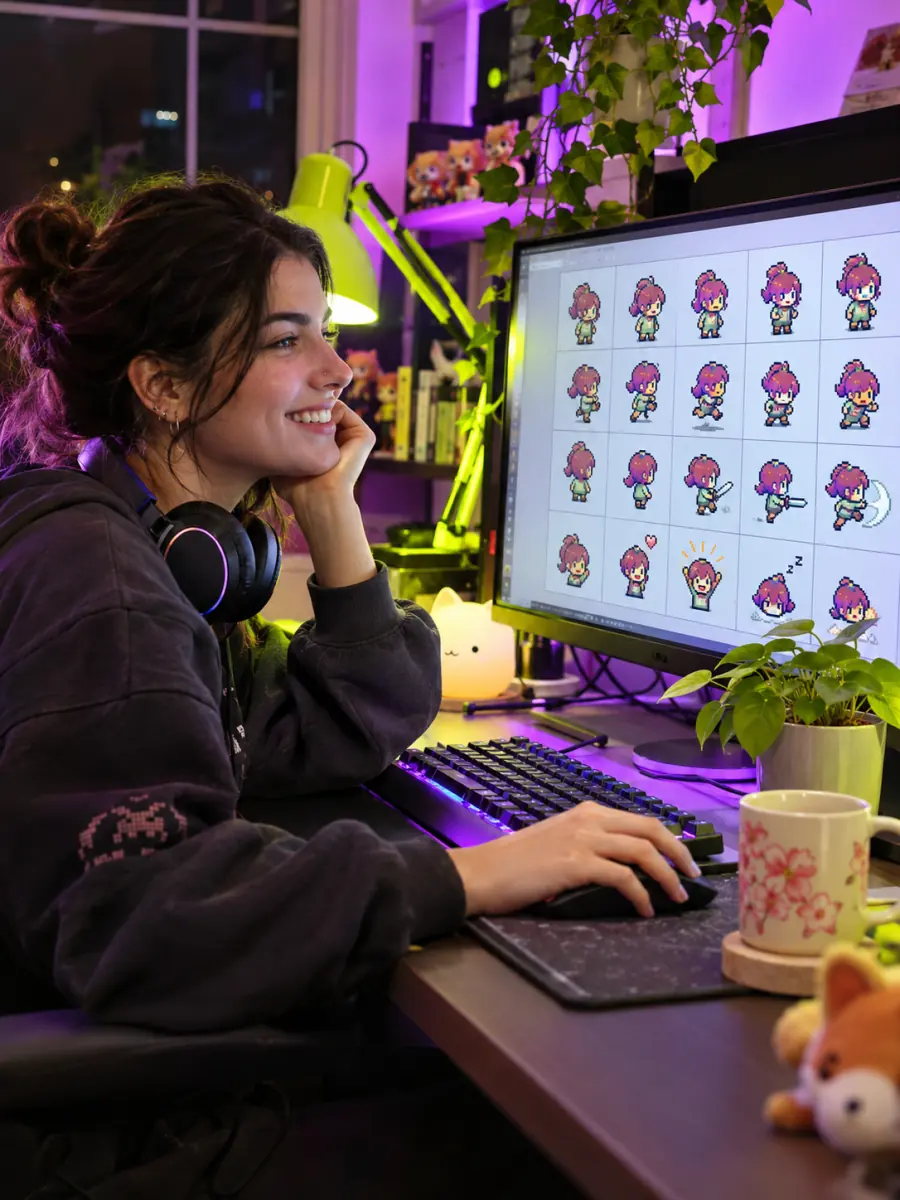
Sprites and tiles
Exact pixel tiles for sprite sheets and icons
Pixel size mode in the image splitter cuts at an exact width and height, so a 512 × 256 sheet at 64 px gives 32 frames named r1-c1 to r4-c8. Keep PNG with transparency on and the empty pixels stay see-through.
Pick a split
Which image splitter setting fits your job?
Two jobs have their own tool on this site with a live phone preview; the rest open straight in the image splitter above.
| Job | Split | Where |
|---|---|---|
| Instagram profile wall | 3 columns, 3:4 tiles, posting order | Instagram grid maker |
| Swipe-through panorama | 1 row × 2–10 columns | seamless carousel tool |
| Halves, thirds, quarters | Quick splits 1×2, 1×3, 2×2 | |
| Wall poster at home | Print poster, 2–4 sheets across | |
| Chat or article screenshot | Long screenshot, 9:16 pieces | |
| Game sprites and icon sets | Pixel size, PNG, keep transparency | |
| Exact post sizes | Output size 1080 × 1350, Fill | size guide |
Free and Pro
The image splitter is free; Pro is for whole folders
Nothing in the free image splitter is cut down: every mode, size and format, with no watermark. Pro and Lifetime add batches of 50 images, plus the grid maker's watermark and 200 AI upscales a month for pieces that come out too small.
Compare plans| Feature | Free | Pro · Lifetime |
|---|---|---|
| All five split modes | ||
| Grid up to 20 × 20, lines you drag | ||
| PNG, JPG, WebP, PDF downloads | ||
| Our logo on your pieces | Never | Never |
| Images per batch | 3 | 50 |
| AI upscale before cutting | 3 a month | 200 a month |
FAQ
Image splitter questions
Step-by-step pictures for every image splitter mode are in the help center.
What is an image splitter?
Are an image cutter, image divider, image separator and image slicer the same thing?
Is this image splitter free?
Does the image splitter upload my images?
How do I split an image into equal parts?
Can the pieces be different sizes?
Does splitting an image reduce its quality?
How do I use an image splitter to print on several pages?
Can I split JPG, PNG and WebP images, and which formats can I download?
Does the image splitter work on a phone?
Can I split images in bulk?
Split your first image
The image splitter is free and private, and the pieces are ready in seconds.
Keep going
- Instagram grid makerTurn one photo into a seamless 3-column profile grid.
- Upscale ImageMake a small picture 2× or 4× larger with AI in your browser. Nothing is uploaded.
- Carousel makerPick a template, change the words and photo, and download Instagram carousel slides or a LinkedIn PDF.
- Instagram grid size guideTile and source photo sizes, a fix for grids that do not line up, seamless carousels and LinkedIn PDFs.
- All Instagram guidesEvery grid and carousel guide in one place, sorted by the problem you are trying to solve.
- Help centerStep-by-step guides for every tool.
- Plans & pricingFree single grids. Compare Pro and Lifetime for larger batches.