Carousel Maker
1Pick a template
Slide 1 of 7
2Change the words
Slide 1 of 7Wrap words in *stars* to highlight them. Use the slides under the preview to edit another slide.
3Change the photo
No photo on this slide. Got a wide photo? Turn it into a seamless carousel.
4Download
Fonts, colours, layouts and your brandOpen in full editorFree, no sign-up. Free downloads carry a small “Made with InstaGridMaker” line on the last slide.
Good-looking carousels in minutes. This Instagram carousel maker starts you on a finished template: swap in your words and photo, and download. Nothing to learn, nothing to sign up for.
- Ready-made templates
- Photos never leave your device
- PNG slides or a LinkedIn PDF
- Works on iPhone and Android
Carousel maker: what you get
The carousel maker processes photos in your browser and projects stay on this device. Sign-in does not sync them, so keep your downloads.
Carousels, panoramas, PDFs
Text-and-photo slides, seamless panoramas and LinkedIn documents. Bring your own words, or let Write with AI draft them in the editor.
Free templates
Download from the carousel maker without sign-in. A small credit sits on the last slide. Pro templates need a paid plan.
1080 × 1350 slides
PNG slides or PDF in the maker; JPG too in the full editor, with square and 9:16.
1 brand kit free
Sign in to save your colours and fonts on this device. Pro and Lifetime: unlimited kits.
You post it
The carousel maker hands you slides or a PDF to upload yourself. No scheduling or automatic posting.
Every template on Pro
No credit line, unlimited brand kits, plus paid grid features. Lifetime matches Pro.
Follow the help guide or compare current plans before choosing paid features.
Templates
Instagram carousel templates that look designed, not DIY
Every Instagram carousel maker template is a finished design with matched fonts and colours, built the way carousels get swiped to the end: a hook on slide one, one point per slide, a clear ask at the close. Tap any cover to load it into the carousel maker. Pro templates wear a crown, and anyone can try them.
Themes and layouts
Every carousel maker theme fits every layout
Pick a theme in the bar and watch every layout below change at once. Covers, lists, charts, do-and-don't cards, phone mockups: mix them freely, and the carousel maker keeps them in one look.
Full editor
When a template is not quite you, open the full editor
The Instagram carousel maker keeps it to four steps. The full editor, one click away, changes everything else, and keeps your words and photos as you go.
Seamless carousel
Turn one wide photo into a seamless carousel
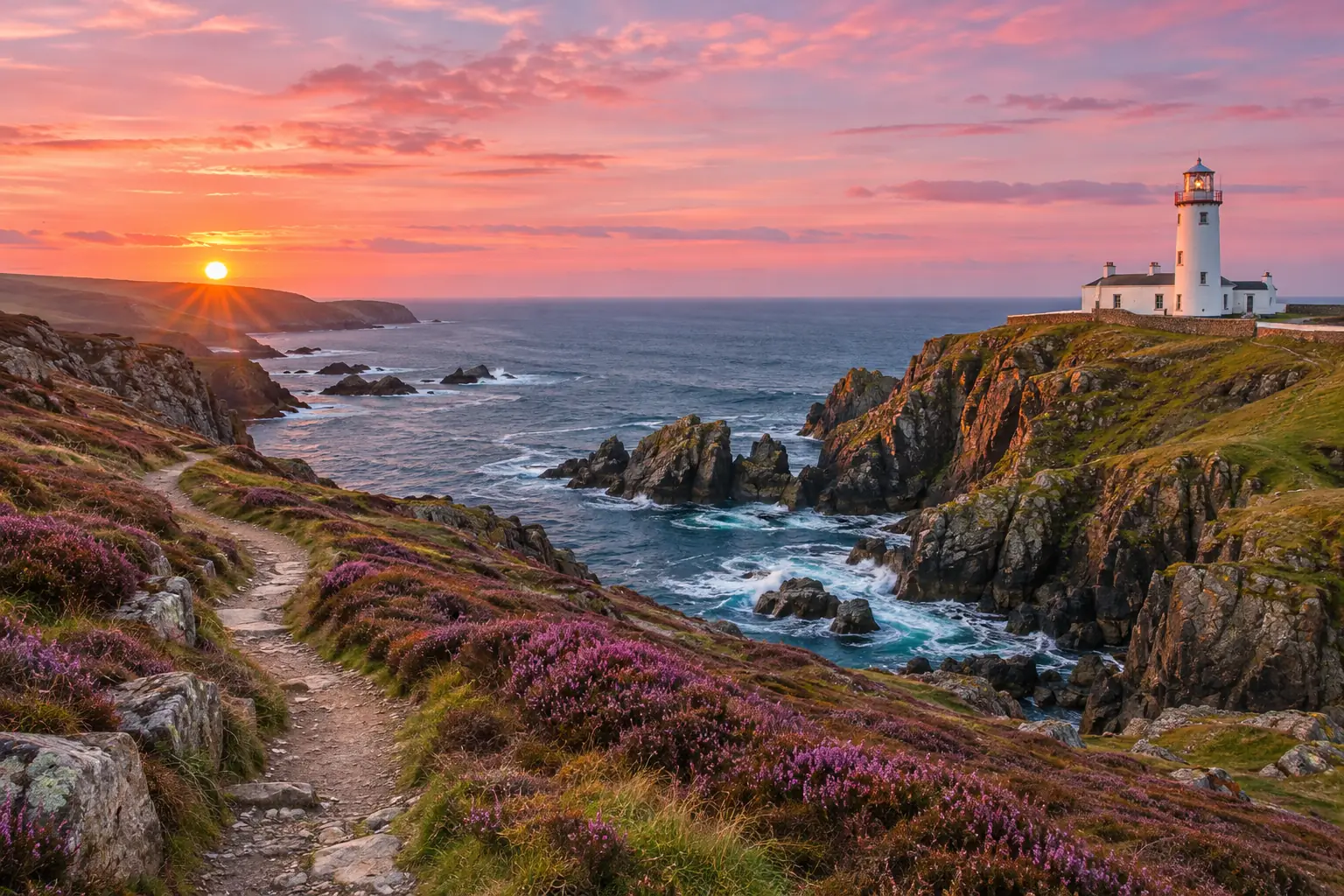
A panorama lets people explore a wide photo across several slides. Give the Instagram carousel maker one wide photo and it lays the picture across 2 to 10 slides, so every edge meets the next.
- The carousel maker picks the slide count from your photo's shape.
- Add a caption to slide one in the carousel maker; the rest stays pure photo.
- The carousel maker warns you if the photo is too small for sharp slides.
Your wide photo
Your carousel
3 slides that line up edge to edge when people swipe.
Details
Small details that make the Instagram carousel maker quick
The things that make posting every week feel easy are already built into the Instagram carousel maker and its full editor.
Brand kit
Your photo, name, colours and fonts, saved once and applied with one tap.
Text that fits itself
Type as much as you like; the words resize and re-wrap to stay on the slide.
One photo across slides
A wide photo runs across the whole carousel and lines up at every seam.
Undo anything
Every change can be taken back, and your carousel saves on this device as you go.
Every size
Portrait for the feed, square, or 9:16 for TikTok and Stories.
Photos stay with you
Slides are drawn in your browser. Nothing is uploaded to make them.
How it works
Make a carousel in four steps
1.Pick a template
Tap any look in the Instagram carousel maker's template strip. Undo puts the last one back.
2.Change the words
Type over the title and text of each slide right in the carousel maker. Wrap a word in *stars* to make it stand out.
3.Swap the photo
Replace the sample photo with yours, or let the carousel maker turn one wide photo into a seamless carousel.
4.Download and post
Save PNG slides from the Instagram carousel maker, a PDF for LinkedIn, or straight to Photos on a phone. Post slide 1 first.
Sizes
The right carousel size for every app
The carousel maker defaults to 1080 × 1350 slides. The full editor also offers square and 9:16 exports; these are tool presets, not a promise that every platform will display them without cropping. Tap an app to see its shape, slide limit and file type. For document posts, follow the LinkedIn PDF publishing steps.
- Slide size (px)
- 1080 × 1350
- Shape
- 4:5
- Slides per post
- Up to 20
- File
- JPG or PNG
Portrait 4:5 is this tool’s default export. Every slide of one post is cropped to the first slide's shape, so keep them all the same size, as the Instagram carousel maker does.
1080 × 1350 px
Who it's for
Who uses a carousel maker?
Anyone who has more to say than one photo can hold. Each card suggests the carousel maker template to start with.

Creators and coaches
Turn one idea into a swipe-through tip list in the Instagram carousel maker, then post a new one each week.
Try Bold tips
Small shops
Launch a product with the Instagram carousel maker: real photos and one reason to buy on every slide.
Try Product launch

Agencies and teams
Get a clean draft from the carousel maker for a client in minutes, then fine-tune the words together.
Try Myth vs fact
Compare
Which workflow fits your carousel?
Use this carousel maker for finished templates, your own words and local image processing; the carousel editor adds Write with AI, which drafts every slide from a topic. If you need a freeform canvas or automatic publishing, check a tool that explicitly offers that capability. The table describes our workflow; other products vary by plan and version.
| What you get | This carousel maker | What to check | Choose another workflow when… |
|---|---|---|---|
| Layout | Finished templates | Try the free templates first | You need a freeform canvas |
| Free export | No account; last-slide credit | Pro templates require a paid plan | You need an uncredited free export |
| Photo processing | In your browser | Projects stay on this device | You need cloud collaboration |
| Wide photo | 2–10 seamless slides | Check the crop and resolution | You need manual photo retouching |
| LinkedIn document | PDF export | Preview every page before posting | You need an animated document |
| Writing | Your own words | Replace all sample text | You need AI-generated copy |
| Publishing | Download, then post yourself | No automatic posting | You need a scheduling service |
Pro
Posting carousels every week?
Pro and Lifetime remove the credit line from every download and unlock every Pro carousel maker template, plus batch grids and 200 AI credits a month for Write with AI in the editor and 4× upscales.
FAQ
Instagram carousel maker FAQ
Want a 3×3 profile wall instead? The Instagram grid maker cuts one photo into numbered tiles, and the image splitter cuts any picture into halves, tiles or print pages. Every step of the carousel maker is in the help center.
Is this Instagram carousel maker free?
Yes. Use the Instagram carousel maker as often as you like with the free templates, no sign-up and no limit. Free downloads from the carousel maker carry a small "Made with InstaGridMaker" line on the last slide. Pro and Lifetime remove that line and unlock every Pro template.
When should I use a carousel instead of a single photo?
Use a carousel when an idea needs several steps, a comparison or a sequence of photos. Use a single image when one picture says enough. Templates help organise the sequence; the tool does not guarantee saves, reach or engagement.
Do you upload my photos?
No. The carousel maker draws every slide in your browser, so your words and photos never leave your device. Your last carousel is saved on this device only, so you can come back and edit it.
What size are the slides?
The carousel maker defaults to 1080 × 1350 pixels (4:5). The full editor also exports 1080 × 1080 (1:1) and 1080 × 1920 (9:16). These are export dimensions, not on-screen sizes. Keep one size throughout a carousel and check the destination platform preview.
Can the carousel maker make a LinkedIn PDF carousel?
Yes. Press PDF for LinkedIn and the carousel maker saves every slide as one page of a PDF. On LinkedIn, start a post, choose Add a document, upload the PDF and give it a title.
How do I make a seamless carousel from one photo?
Press Start from one wide photo in the carousel maker and pick a panorama. It is laid across 2 to 10 slides, depending on how wide it is, so the picture flows on when people swipe. Add a caption to the first slide, then download.
How do I post a carousel on Instagram?
On your phone, tap Save to Photos in the Instagram carousel maker. In Instagram, tap +, choose Post, tap the multiple-photos icon and pick the slides in order, slide 1 first. The Instagram carousel maker names the files in that order, and up to 20 slides fit in one post.
Can I change fonts and colours?
Yes. Each carousel maker template comes finished, so most people only change the words and photos. For more, press Open in full editor: the carousel editor changes fonts, colours, layouts, backgrounds and your branding on every slide, and keeps your words.
Can I save my brand for the next carousel?
Yes. In the full editor, add your profile photo, name, handle, colours and fonts under Brand and press Save brand kit after signing in. Next time, Apply puts them on any carousel maker template. Kits are kept in this browser on this device.
Which layouts can a slide have?
Covers, number hooks, section breaks, text, photos, quotes, numbered lists, checklists, timelines, TL;DR recaps, side-by-side and do-and-don't cards, big stats, column charts, phone mockups and a follow-for-more ending. Every carousel maker theme works with all of them.
Does the Instagram carousel maker work on iPhone and Android?
Yes. The Instagram carousel maker runs in any modern mobile browser and opens iPhone HEIC photos. On a phone, the carousel maker’s Save to Photos button puts the slides straight into your camera roll, ready to post.
Make your next carousel
Free, no sign-up, and your photos never leave your device.
Keep going
- All Instagram guidesEvery grid and carousel guide in one place, sorted by the problem you are trying to solve.
- Instagram grid size guideTile and source photo sizes, a fix for grids that do not line up, seamless carousels and LinkedIn PDFs.
- Carousel editorChange fonts, colours, backgrounds, layouts and branding on every slide, then export PNG, JPG or PDF.
- Instagram grid makerTurn one photo into a seamless 3-column profile grid.
- Image SplitterCut any image into a grid, exact pixel tiles or printable poster pages, with every piece kept at full size.
- Upscale ImageMake a small picture 2× or 4× larger with AI in your browser. Nothing is uploaded.
- Plans & pricingFree single grids. Compare Pro and Lifetime for larger batches.
- Help centerStep-by-step guides for every tool.