Instagram Grid Maker
Photo
Rows
Tile shape
1080 × 1440 · 3:4 export, designed for a portrait profile preview
Sample photo
- posts
- 6posts
- followers
- 12.4Kfollowers
- following
- 86following
One photo, nine posts, zero seams ✨ Cut yours free → instagridmaker.com
Tap a tile to save just that one.
Free · Private · 3:4 ready
Grid looks broken since Instagram went 3:4? Preview a new 3:4 cut with this free Instagram grid maker.
Ready to post?
- Upload your own photo to check its sharpness.
- 3:4 tiles: the seams line up on today's profile grid.
- Post #1 (bottom right) first and #0 last. The files are numbered for you.
- Unpin pinned posts first, and later post in threes so the grid doesn't shift.
Posting grids every week? Pro cuts up to 50 photos at once.
Posting queue
0 of 0 posted
Tap a tile once it's live on Instagram. Your progress is saved on this device.
All 0 posted. Your grid is live.
- Photos never leave your device
- 1080 × 1440 tiles
- No watermark
- Opens iPhone HEIC
Instagram grid maker: what you get
The Instagram grid maker processes photos in your browser and projects stay on this device. Sign-in does not sync them, so keep your downloads.
One photo, many posts
The Instagram grid maker splits it into separate profile posts with numbered filenames.
Free, no watermark
Unlimited single-photo grids in the Instagram grid maker, no sign-in. Batches of 3 photos need sign-in.
1080 × 1440 tiles
JPG, PNG, WebP or HEIC in. JPG or PNG tiles out, in one ZIP. Square and 4:5 too.
Post #1 first
Start at the bottom right. The Instagram grid maker's posting queue remembers progress on this device. No auto-publishing.
Free AI upscale
2× is free every day in the Instagram grid maker; sign in for 3 at 4× a month. Paid plans get 200 per UTC month. AI estimates detail, so inspect it.
Batch 50 photos
Pro and Lifetime add batches to the Instagram grid maker, your own watermark and the same monthly AI allowance.



Follow the help guide or compare current plans before choosing paid features.
Built-in AI
The Instagram grid maker with AI built in
Two jobs a plain photo splitter cannot do and this Instagram grid maker can: make a small picture sharp enough to cut, and write the carousel that goes with it.


Sharpen a photo that is too small
AI Upscale redraws detail at 2× or 4× on your own device, so every tile the Instagram grid maker cuts stays crisp. 2× is free every day.
Upscale an image with AIWrite a carousel from one line
Type a topic. The Instagram grid maker's AI writes the hook, every slide and a caption, laid out in a design you can change. Only your words go to the model, never your photos.
Example: “How to take better food photos with your phone”, written by the AI and not edited.
Caption and hashtags
Most phone food photos fail for one reason: the light is above the plate instead of beside it. Try moving your dish to a window tomorrow and compare the two shots. What is the hardest dish for you to photograph?
#foodphotography #phonephotography #homecooking #foodstyling #instagramfood #cookingtips #foodphotos
A free 4-slide preview. Sign in for up to 10 slides: 3 carousels a month free, 200 on Pro.
How it works
How to use the Instagram grid maker
Batch mode · up to 50 photos
Split a whole campaign in one go
Product drop or a week of posts? Set rows and tile shape once, and the Instagram grid maker cuts every photo side by side in your browser.
- 1
Switch to Batch. Tap Batch at the top of the Instagram grid maker.
- 2
Add up to 50 photos. Drop, paste or pick them. One setup applies to all.
- 3
Download one ZIP. The Instagram grid maker gives each grid its own folder, tiles in posting order.
Why 3:4
Why our Instagram grid maker cuts 3:4 tiles, not squares
This Instagram grid maker exports 1080 × 1440 files by default for a 3:4 profile preview. When a square or 4:5 post is cropped to a taller preview, parts of its edges can be hidden and the picture may stop lining up. Export size and on-screen size are different: check the preview on your own profile before publishing a complete grid.
Posting order
Post #1 first, starting at the bottom right
Each new post lands top-left and pushes the rest along. So the Instagram grid maker numbers every tile: post #1, the bottom-right piece, first and the top-left piece last.
- Instagram grid maker filenames sort in posting order inside the ZIP.
- The posting checklist in the Instagram grid maker remembers where you stopped.
- Avoid posting anything else until the grid is complete.
Sharpness
Will your tiles be sharp? Check first
Our exports are 1080 pixels wide per tile, so a three-column grid needs a source crop about 3,240 pixels across to avoid enlarging it. Type your photo's size to see what the Instagram grid maker gives every tile. The Instagram grid maker warns you on upload, too.
Each tile gets 756px of 1080
Good enough

The same spot on one tile, zoomed in. Change the photo size to see the difference.
1080 × 1440
Pixels in every 3:4 tile
3,240 px
Photo width for a sharp 3-column grid
HEIC · JPG · PNG
Straight from your phone, WebP too
Photo too small?
Press AI Upscale in the Instagram grid maker. It sharpens on your device, and up to 2× is free every day. Need a bigger file before you open the Instagram grid maker? Upscale an image 2× or 4×. Wrong shape? Fit it with the photo resizer before you open the Instagram grid maker. Every tool that works with the Instagram grid maker is on the tools page.
Upscale my photoIdeas
Ideas to try with an Instagram grid maker
Each idea is one photo, cut by the Instagram grid maker into a nine-post wall. Try one in the Instagram grid maker, then swap in your own photo. Rather have people swipe through it? The carousel maker lays one wide photo across a seamless carousel instead, and the carousel editor restyles it. Cutting a picture for print or into uneven pieces? Use the image splitter. Want nine different pictures in one post, like your top 9 anime? That is the 3x3 maker, a different job from the Instagram grid maker.

Launch announcement
Reveal a product or a new collection across nine posts.
Try this layout
Portfolio wall
Turn one artwork into a gallery visitors scroll through.
Try this layout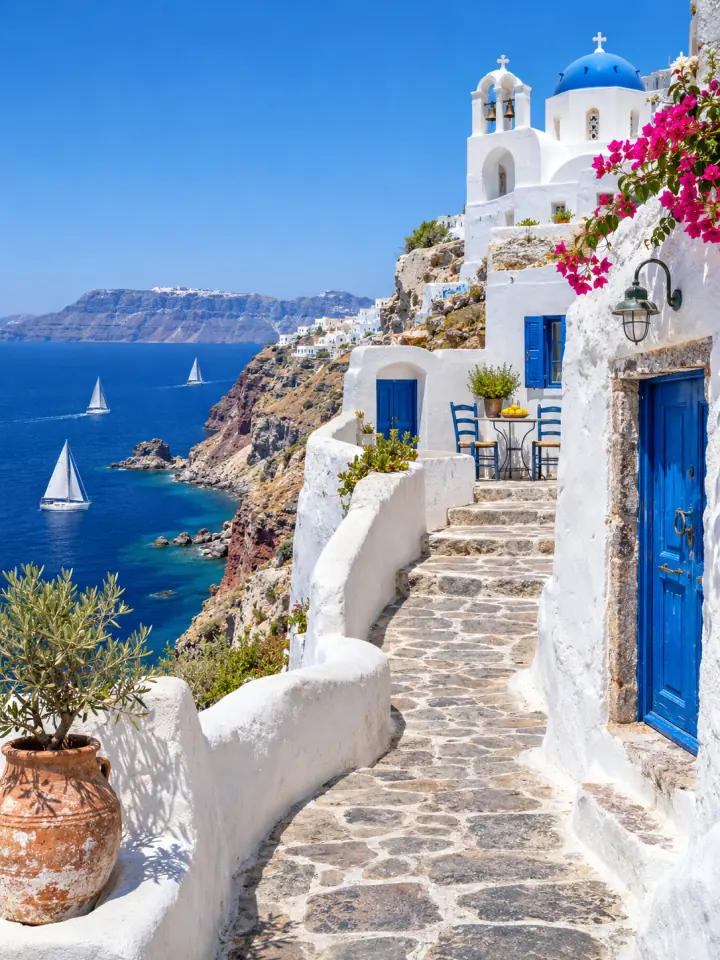
Travel panorama
Let a wide landscape run edge to edge across a row.
Try this layout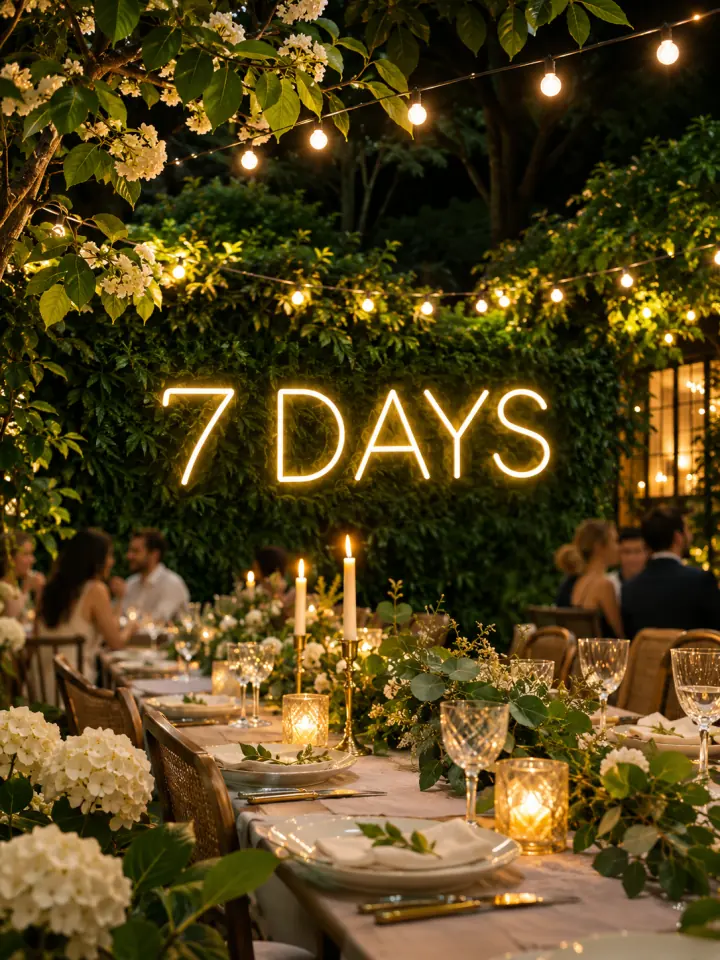
Event countdown
Post one tile a day and finish the picture on the big day. The posting queue can remind you daily.
Try this layout
Pricing
Posting grids every week? Go Pro
The Instagram grid maker stays free for single grids. Pro and Lifetime give the Instagram grid maker batch exports of up to 50 photos, your watermark on every tile and 200 AI upscales a month. Lifetime unlocks the Instagram grid maker with one payment that never renews.
- Batch 50 photos
- Your watermark
- 200 AI credits / mo
Monthly
$9.99/ month
$119.88 a year · cancel anytime
- Batch split up to 50 photos at once
- Your logo or handle as a watermark
- 200 AI credits a month: AI-written carousels and 4× upscales
- Unlimited 2× AI upscales
- Every carousel template, no credit line
- Unlimited brand kits in the carousel editor
- Every 3x3 maker style, and unlimited 3x3s on your account
- Bulk resize 50 photos into every shop size at once
- Projects saved across your devicesplanned
- Save 17%
Yearly
$99/ year
$8.25 a month · renews at $99 every year
- Everything in Monthly
- $99 a year instead of $119.88
- First access to new grid tools
- Best value
Lifetime
2 years of Yearly:
$198$149once
Only $50 more than one year of Yearly · never renews
- Everything in Pro, with no renewals
- Costs less than 15 months of Monthly
- Batch split up to 50 photos at once
- Your logo or handle as a watermark
- 200 AI credits a month, same as Pro: AI-written carousels and 4× upscales
- Unlimited 2× AI upscales
- Every carousel template, no credit line
- Unlimited brand kits in the carousel editor
- Every 3x3 maker style, and unlimited 3x3s on your account
- Bulk resize 50 photos into every shop size at once
- Every future grid tool included
One payment · 7-day full refund
First subscription payments and Lifetime purchases include a seven-day full-refund window. Planned features are not included in today's service. Refund policy · Acceptable use.
Free, forever
No card, no sign-up
- Single-photo grids, 1 to 6 rows
- Every tile shape: 3:4, 4:5 and square
- 1080px tiles, no watermark
- Numbered ZIP and posting checklist
- 3 free 2× AI upscales a day, 10 after sign-in
- 3 AI credits a month after sign-in: AI-written carousels or 4× upscales
- Batch 3 grids at a time
- Bulk resize 10 photos at a time, 20 after sign-in
- Carousel maker with free templates
- Carousel editor with 1 saved brand kit after sign-in
FAQ
Instagram grid maker FAQ
Still stuck with the Instagram grid maker? The help center walks through every step. Compare dimensions in the Instagram grid size guide. For crop and posting-order problems, follow the grid alignment guide, or browse all guides.
Is this Instagram grid maker free?
Yes. Make as many single-photo grids as you like, with full 1080px tiles and no watermark. Pro and Lifetime add exports of up to 50 photos per batch, your watermark and 200 larger AI upscales a month. AI upscaling up to 2× in the Instagram grid maker is free every day.
Do you upload my photos?
No. The Instagram grid maker runs entirely in your browser, so the photo never leaves your device. Your last project is saved on this device only, so you can come back to it.
What size should each grid tile be?
The Instagram grid maker exports 1080 × 1440 pixels by default, a 3:4 shape designed for a portrait profile grid. This is the file size, not the on-screen display size. Check your Instagram preview before posting. 4:5 and square tiles are available if you prefer them.
In what order do I post the tiles?
Post tile #1 first and the highest number last. The Instagram grid maker puts the posting number in each filename, because each new post lands in the top-left corner and the picture builds up from the bottom-right.
Can the Instagram grid maker make a 3×3, 3×2 or 3×1 grid?
Yes. Pick 1 to 6 rows of three tiles, from a single row of 3 posts up to an 18-post wall. The Instagram grid maker keeps the width at three columns because every profile is three columns wide.
Why does my grid look misaligned on my profile?
Usually one of three things: the tiles are square instead of 3:4, they were posted out of order, or another post went up in between. Re-cut the photo at 3:4 in the Instagram grid maker and follow the numbers.
Can the Instagram grid maker split several photos at once?
Yes. Switch the editor to Batch and add your photos: the Instagram grid maker cuts every one with the same rows and tile shape, side by side on your device, and packs one numbered folder per grid into a single ZIP. After sign-in, the Instagram grid maker downloads 3 grids per batch free; Pro and Lifetime raise that to 50 at once.
Does the Instagram grid maker work on iPhone and Android?
Yes. It works in any modern mobile browser and opens iPhone HEIC photos. On a phone, Save to Photos puts every tile straight into your camera roll, ready to post; a ZIP is there too.
Keep going
- All Instagram guidesEvery grid and carousel guide in one place, sorted by the problem you are trying to solve.
- Instagram grid size guideTile and source photo sizes, a fix for grids that do not line up, seamless carousels and LinkedIn PDFs.
- Carousel makerPick a template, change the words and photo, and download Instagram carousel slides or a LinkedIn PDF.
- Image SplitterCut any image into a grid, exact pixel tiles or printable poster pages, with every piece kept at full size.
- Upscale ImageMake a small picture 2× or 4× larger with AI in your browser. Nothing is uploaded.
- Photo ResizerResize a photo to Instagram sizes, exact pixels or a file size in KB, without cropping it. Nothing is uploaded.
- Image resizer for InstagramFit the whole photo into a 4:5 post, a Story or the 3:4 grid, with blur, mirror or white fill.
- Bulk Photo ResizerResize a whole batch into Etsy, Amazon, Shopify and Instagram sizes in one ZIP.
- 3x3 makerSearch anime, manga or characters, or add your own pictures, and save your top 9 as one square or Story image.
- Carousel editorChange fonts, colours, backgrounds, layouts and branding on every slide, then export PNG, JPG or PDF.
- Plans & pricingFree single grids. Compare Pro and Lifetime for larger batches.
- Help centerStep-by-step guides for every tool.