Bulk Photo Resizer
A free bulk photo resizer for Etsy, Shopify, Amazon, eBay and social sizes. Nothing is uploaded.
Your photos
0 photos
10 more fit in this run
10 photos per run without an account, 20 after a free sign-in.
Sizes
2 of 2 sizes picked. Pro exports every size in one run.
Fit
Fill the space with
File names and format
File names
Format
The bulk photo resizer runs on your device. Nothing is uploaded.
0 photos × 2 sizes = 0 filesZIP, a folder per size
A bulk photo resizer for folders, not single files. Drop a batch in, tick every size you sell in, and the bulk photo resizer hands back one ZIP with the whole product in each photo.
- photos a run, free account
- 20
- photos a run, free account
- shop and social sizes
- 8
- shop and social sizes
- ZIP, a folder per size
- 1
- ZIP, a folder per size
- photos uploaded
- 0
- photos uploaded
One run, every listing
One bulk photo resizer run, every marketplace size
Shops ask for different shapes. Instead of resizing the same shot five times, tick the sizes once and each photo comes back in all of them. Here is one sample mug in five of them, drawn to scale and fitted the way the tool fits it.
- Etsy2000 × 2000
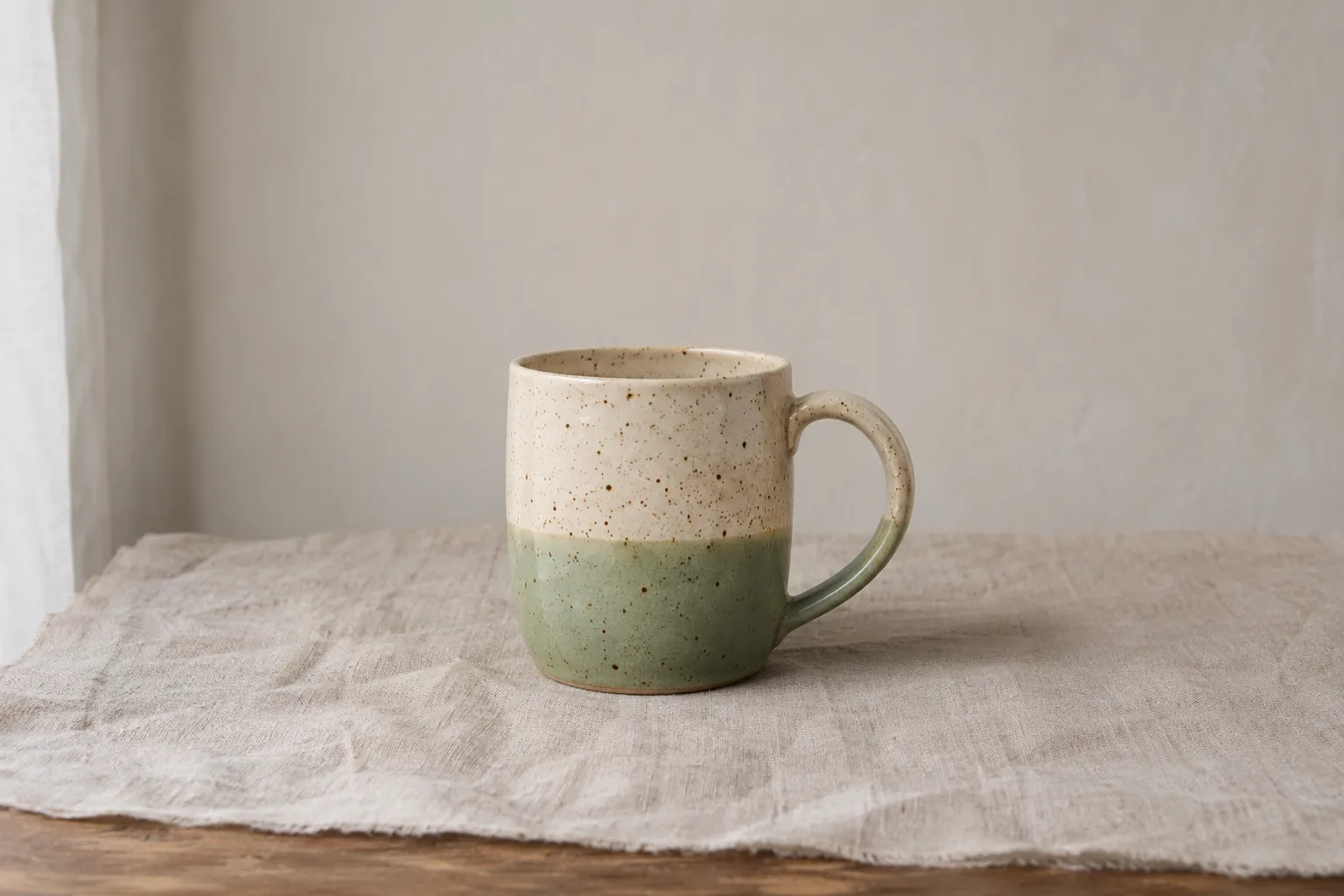
- Etsy 4:33000 × 2250
- Amazon2000 × 2000
- Pinterest1000 × 1500
- Instagram1080 × 1350
| Size in the tool | Pixels | Why this size |
|---|---|---|
| Etsy listing, square | 2000 × 2000 | At least 2000 px on the short side keeps zoom sharp; square suits the search grid. |
| Etsy listing, 4:3 | 3000 × 2250 | The 4:3 shape Etsy shows as the first listing photo. |
| Shopify product | 2048 × 2048 | Square keeps collection pages tidy in most themes. |
| Amazon main image | 2000 × 2000 | Main image on pure white with the product filling most of the frame. |
| eBay listing | 1600 × 1600 | 1600 px on the long side is the size eBay suggests for phones and zoom. |
| Instagram portrait | 1080 × 1350 | The tallest feed post, for a launch or restock post. |
| Instagram square | 1080 × 1080 | Square posts and shop catalogue tiles. |
| Pinterest pin | 1000 × 1500 | The 2:3 pin shape that takes the most room in the feed. |
Sizes follow seller guides from Helium 10 and Squareshot (Amazon), Printify (Etsy), Cloudinary (Shopify) and eBay's picture help, checked 14 November 2026. Platforms change them; your seller dashboard has the last word.
Names and file size
Rename and slim a folder in the bulk photo resizer
Camera names tell you nothing and 3 MB photos slow a shop down. Choose Number them, type a product name, tick Limit file size. Quality drops before pixels do.
- Prefix plus a padded number: 01, 02 … 50
- Pixels at the end of every name
- JPG, PNG or WebP, iPhone HEIC in
Camera roll
- IMG_4821.HEIC4032 × 3024 · 3.1 MB
- IMG_4822.HEIC3024 × 4032 · 2.8 MB
- IMG_4825.HEIC4032 × 4032 · 3.6 MB
bulk-resized-photos.zip
etsy-2000x2000
- blue-mug-01-2000x2000.jpg
- blue-mug-02-2000x2000.jpg
- blue-mug-03-2000x2000.jpg
instagram-1080x1350
- blue-mug-01-1080x1350.jpg
- blue-mug-02-1080x1350.jpg
- blue-mug-03-1080x1350.jpg
≤ 500 KB each
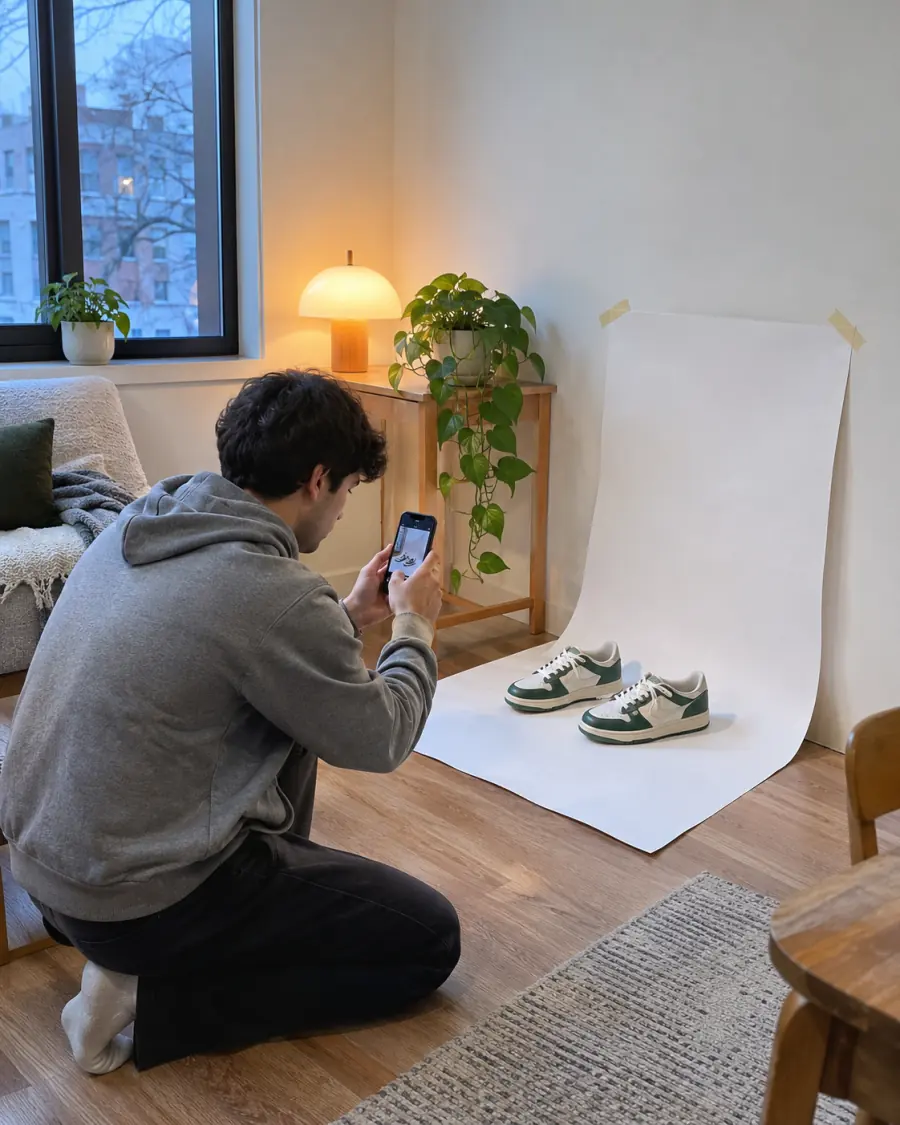
Four steps
How to use the bulk photo resizer
- 1Add photosIn the bulk photo resizer press Add photos and select them all, or drop them on the panel. Three samples are loaded to try first.
- 2Tick the sizesUnder Sizes tick a shop or social size, or type your own width and press Add.
- 3Choose the fitKeep No crop with White for shop photos, or pick Crop to fill and drag each photo.
- 4Name and downloadPick Number them, then press Download. The bulk photo resizer packs it all in one ZIP.
Every control of the bulk photo resizer, with pictures, is in the help center.
No crop by default
Keep the whole product in every frame
A tall bag in a square frame has to give somewhere. The bulk photo resizer keeps the product and fills the sides.
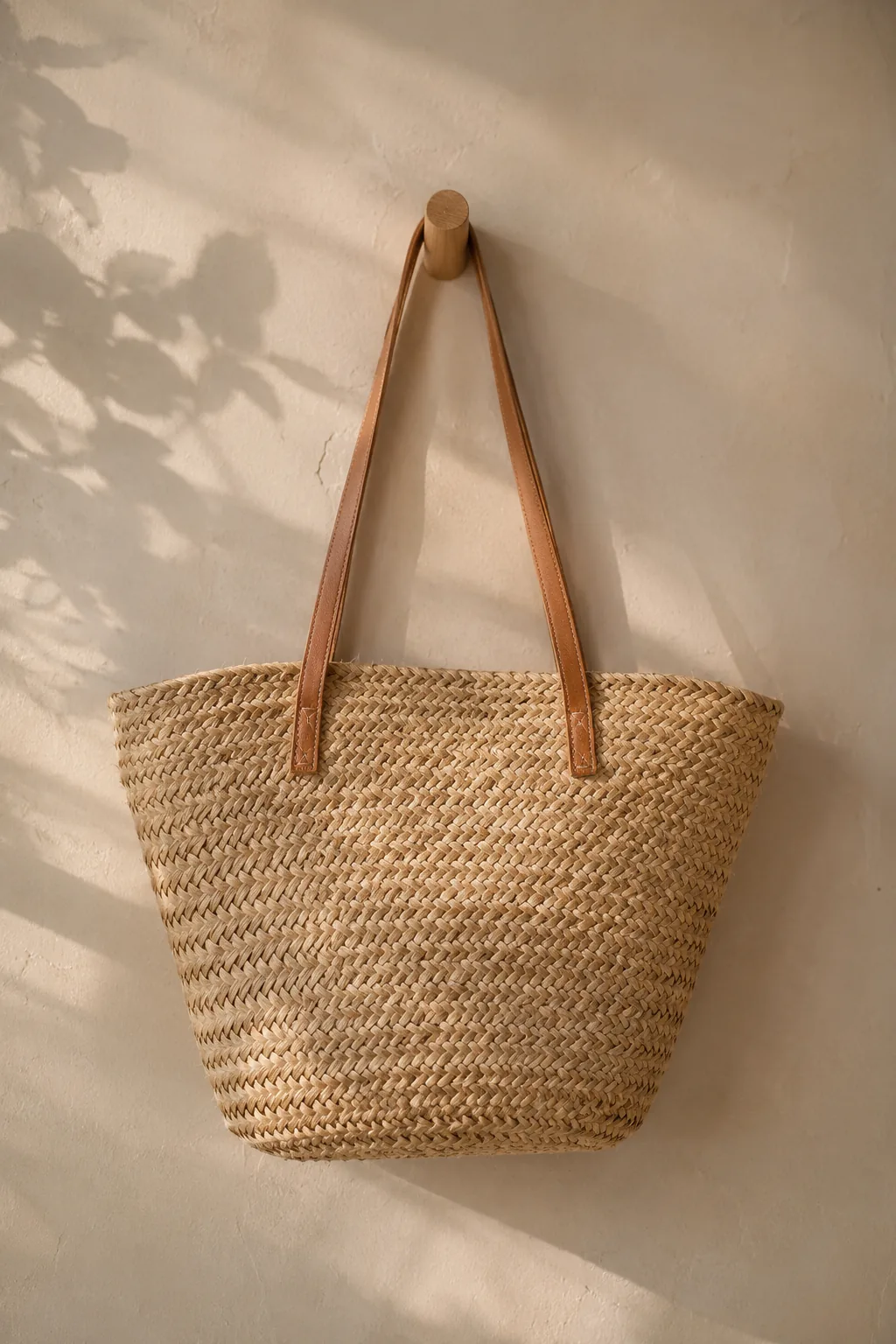
No crop · White
The whole bag, ready for a marketplace
No crop · Blurred photo
The whole bag, softer for social posts
Crop to fill
The handles are cut off
Photos too small for a size get a warning from the bulk photo resizer. Upscale them with AI first and they stay sharp at 2000 px. Would you rather crop than fill? Batch crop photos to one shape with each crop placed over the product or person, then resize the set here.
Ways to do it
Desktop app, upload site or a browser bulk photo resizer?
| Option | Install | Cost | On a phone | Photos leave your device | Several sizes |
|---|---|---|---|---|---|
| Desktop editorsLightroom, Photoshop, GIMP | Yes | Often a subscription | Desktop only | No | With saved export presets |
| Upload-based websitesMost online resizers | No | Free tiers with caps | Yes | Yes, to their server | Usually one size per run |
| This bulk photo resizerIn your browser | No | Free, 20 photos a run | Yes | No | Several sizes, a folder each |
Desktop editors win on colour control and huge archives. For a shop batch on any device, the bulk photo resizer is quicker to reach.
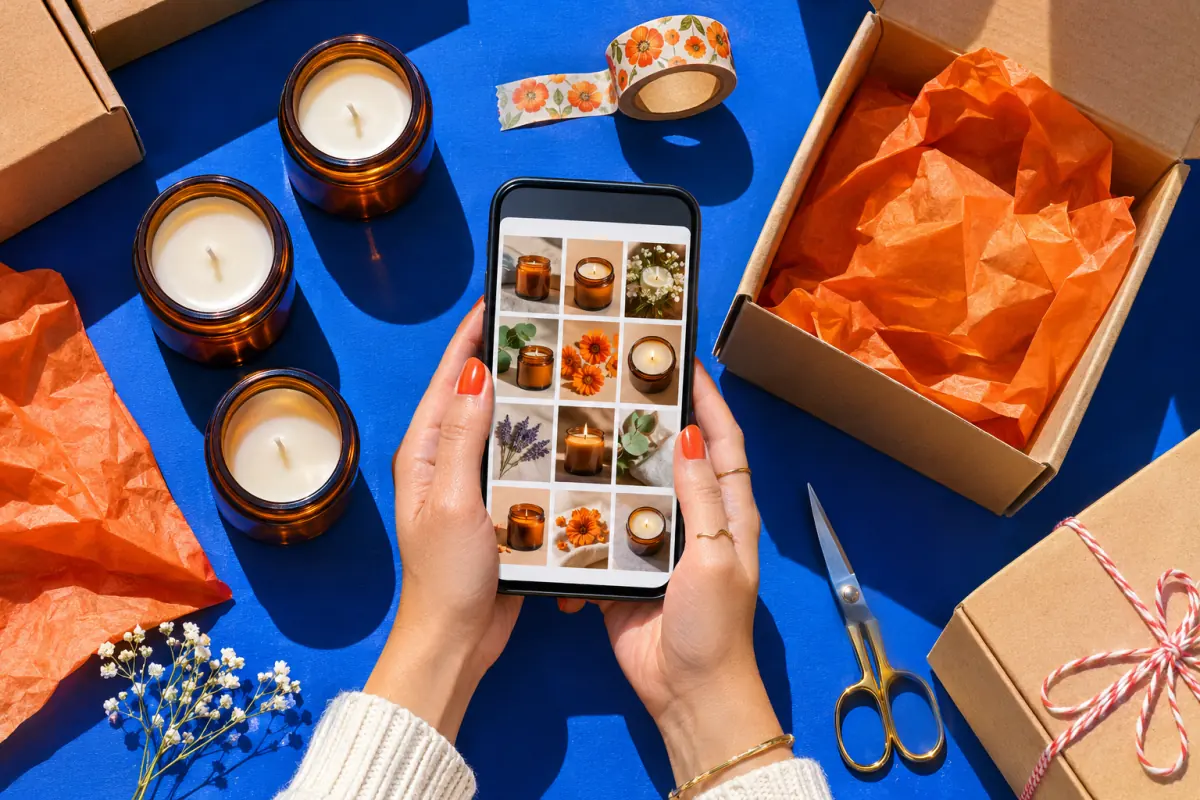
Who batches photos
Who the bulk photo resizer is for
- Handmade and Etsy shopsSquare for search, 4:3 for the first listing photo, Instagram for launch: one bulk photo resizer run.
- Resellers listing everywhereThe same thrift find on eBay, a Shopify store and Pinterest, each at the size that zooms well.
- Bloggers and newslettersA post's photos at 1600 px wide and under 300 KB, so pages load fast.
Free and Pro
Free for a batch of 20, Pro for the whole catalogue
Resizing runs on your device, so the free bulk photo resizer stays generous. Pro adds every size in one run and AI upscales.
| What you get | No account | Free account | Pro · Lifetime |
|---|---|---|---|
| Photos per run | 10 | 20 | 50 |
| Sizes per run | 2 | 2 | Every size |
| Saved size sets | – | 1 | Unlimited |
| AI upscales above 2× for small photos | – | 3 a month | 200 a month |
| Watermark | Never | Never | Never |
One bulk photo resizer ZIP holds up to 250 files, so a Pro run of 50 photos fits five sizes.
Before you start
Questions sellers ask about the bulk photo resizer
How many photos can I resize at once?
Can one batch come out in several sizes?
What size should Etsy, Amazon and Shopify photos be?
Will the resizer cut off part of my product?
Can I rename the files while resizing?
Are my photos uploaded to a server?
Does the bulk photo resizer remove backgrounds?
What if some photos are too small for a size?
Which files can I add?
Resize your next batch
Free, no watermark, nothing uploaded. The bulk photo resizer keeps your photos and sizes for next time.
- Only one photo, or need exact pixels, a percentage or Instagram's grid tile? The photo resizer handles single photos.
- Old photos too small for 2000 px? Upscale the image 2× or 4× with AI first.
- Launching on Instagram? Turn a product shot into a profile wall with the Instagram grid maker, or a swipe post with the carousel maker.
Keep going
- Photo ResizerResize a photo to Instagram sizes, exact pixels or a file size in KB, without cropping it. Nothing is uploaded.
- Image resizer for InstagramFit the whole photo into a 4:5 post, a Story or the 3:4 grid, with blur, mirror or white fill.
- Batch crop photosCrop a whole set to one shape at once, each crop placed over its subject.
- Upscale ImageMake a small picture 2× or 4× larger with AI in your browser. Nothing is uploaded.
- Image SplitterCut any image into a grid, exact pixel tiles or printable poster pages, with every piece kept at full size.
- Instagram grid makerTurn one photo into a seamless 3-column profile grid.
- Carousel makerPick a template, change the words and photo, and download Instagram carousel slides or a LinkedIn PDF.
- 3x3 makerSearch anime, manga or characters, or add your own pictures, and save your top 9 as one square or Story image.
- All Instagram toolsGrid maker, carousel maker, image splitter, upscaler, three photo resizers, a batch cropper and 3x3 maker on one page, with what each is for.
- Plans & pricingFree single grids. Compare Pro and Lifetime for larger batches.
- Help centerStep-by-step guides for every tool.