Cut one photo into 3, 6, 9 or more posts that join up into one big picture on your profile.
- 3:4 tiles, 1080 × 1440
- Numbered posting order
- No watermark
9 free Instagram tools, all in your browser
Pick the job, open one of the Instagram tools, download the result. Every one of these Instagram tools starts with a sample, so you can try it before you add a photo.
Cut one photo into 3, 6, 9 or more posts that join up into one big picture on your profile.
Pick a template, change the words and photo, or let AI write the slides from one topic.
Cut any image into a grid, exact pixel tiles, poster pages or long-screenshot pieces.
Make a small or soft picture 2× or 4× larger with an AI model that runs on your device.
Fit a photo to an Instagram size, exact pixels or a file size in KB without cropping it.
Of the Instagram tools here, the one for photos Instagram keeps cropping: fit the whole picture into a post, Story or profile picture.
Of the Instagram tools, the one for a whole set: crop every photo to one shape at once, each crop on its subject, checked before the ZIP.
Resize a whole folder into Etsy, Amazon, Shopify, Pinterest and Instagram sizes in one run.
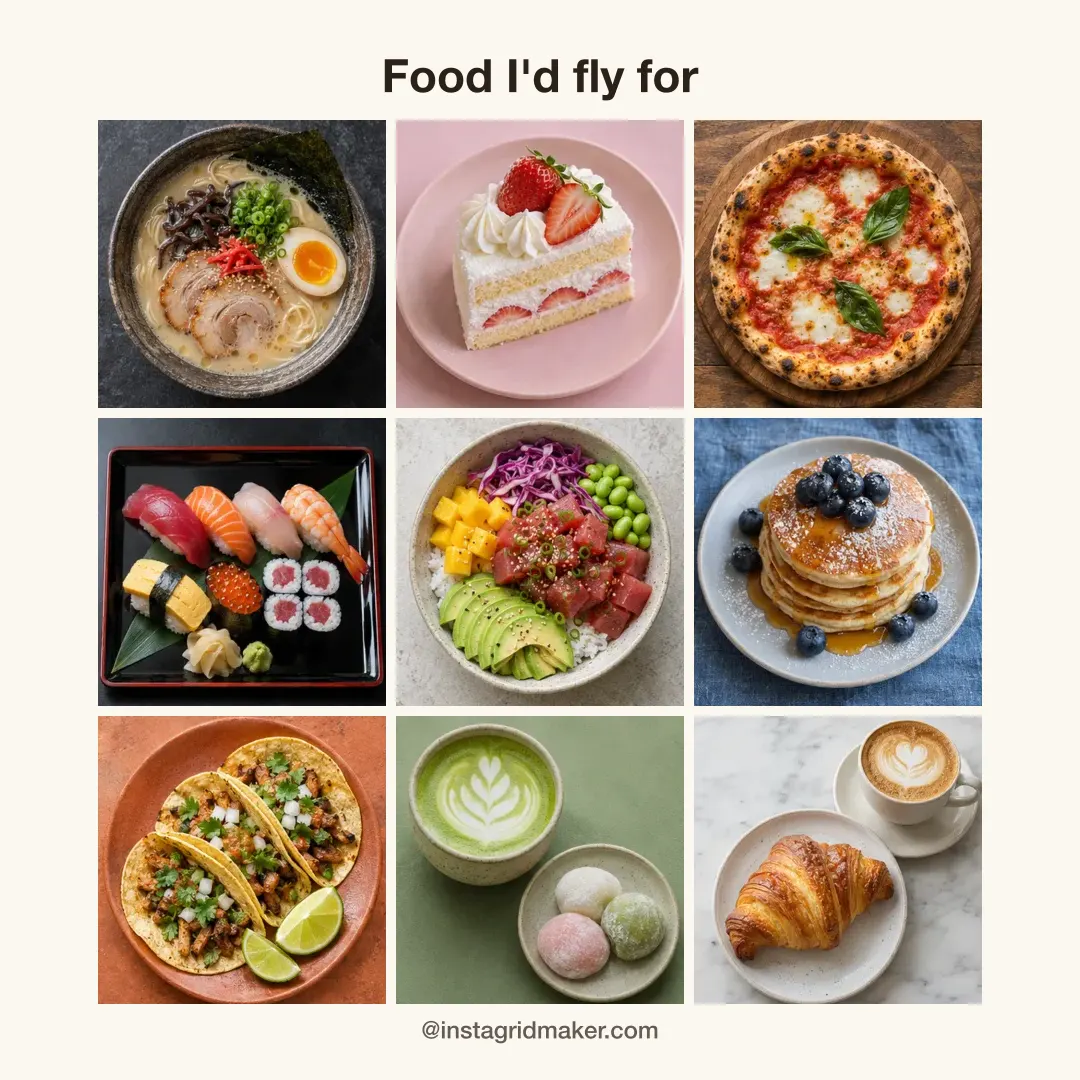
The newest of our Instagram tools: put your top 9 anime, games, albums or dishes into one picture.
Open any of the Instagram tools above: a sample is already loaded, so nothing needs uploading to try it.
Not sure which one?
Find the line that sounds like you. The arrow points to the one of our Instagram tools that does it.
They work together
After a download, each of the Instagram tools offers the next step and opens it with your picture already loaded. Nothing is uploaded on the way: the photo moves between the Instagram tools on your own device.
Free and Pro
Single exports from the Instagram tools are free and carry no watermark. Pro is for bigger batches and more AI.
| On every tool | Free | Pro |
|---|---|---|
| Single grids, splits and resizes | ||
| No watermark on your photos | ||
| Photos in one batch | 3 | 50 |
| AI credits a month (4× upscales, AI-written carousels) | 3 after sign-in | 200 |
| Every carousel template, no credit line |
Need sizes first? The Instagram grid size guide lists them, and Help walks through every button in the Instagram tools.