Upscale Image
For Instagram and more: 3 free 2× images a day, no sign-up. Photos stay on your device. Sign in for 4× and target sizes.
Upscale by
Save as
Free: 3 of 3 2× upscales left today.
Runs on your device. Nothing is uploaded.
Upscale image files to twice or four times their size, right in the browser. The Upscale Image tool redraws edges and texture instead of stretching pixels, and your picture never leaves your device.
- Nothing uploaded
- No watermark
- Phone, tablet, desktop
Real results
Real upscale results for Instagram: drag to compare
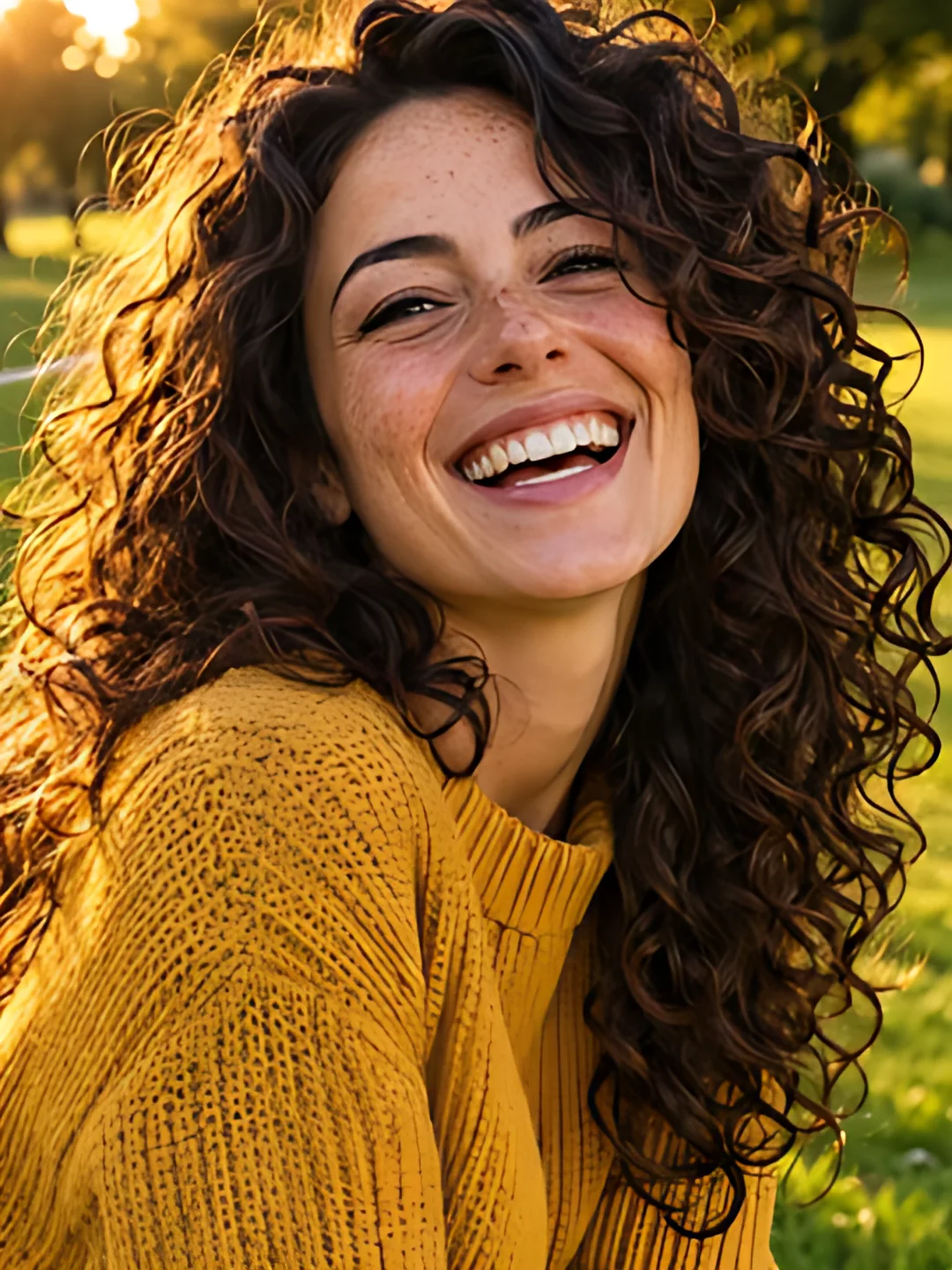
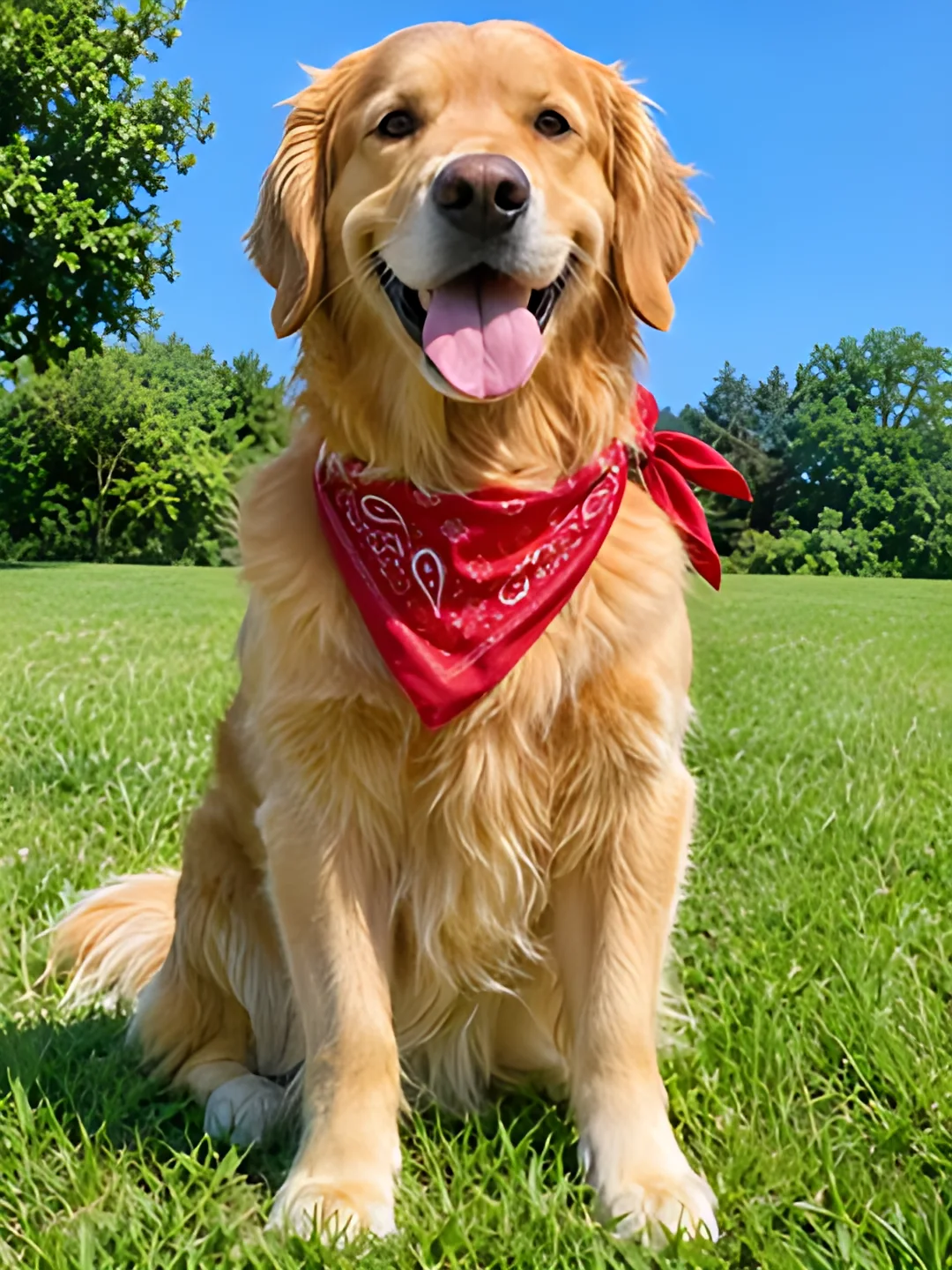
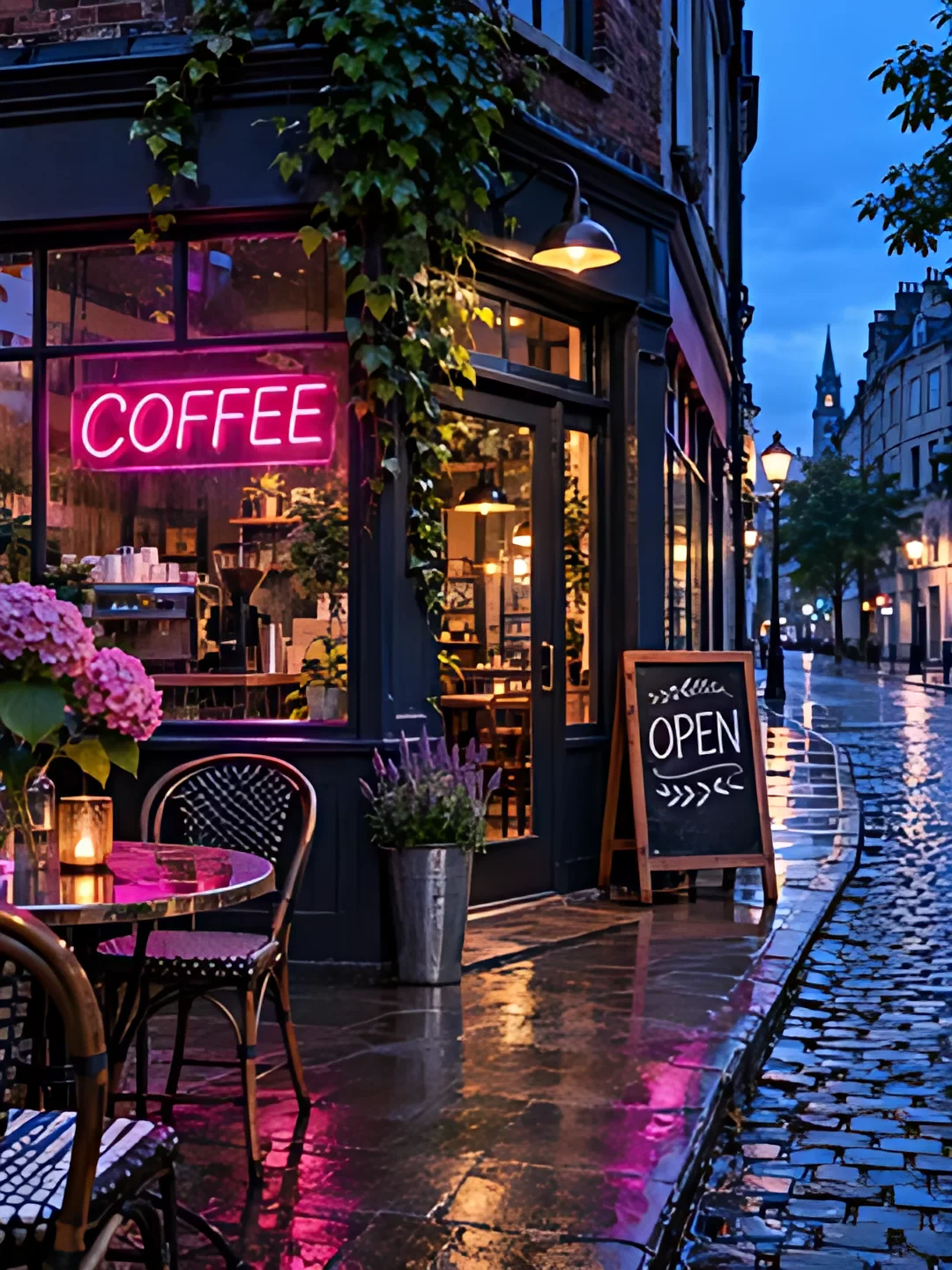
These are generated sample images, not customer photos. Each saved 270 × 360 px input was processed at 4× with the same Real-ESRGAN model and tiling used by this tool, producing 1080 × 1440 px. The output was saved as WebP without retouching. Drag to compare; the original is stretched to the same display size.
 BeforeAfter 4×

Portraits
A small portrait for a feed post: compare the curls and knitwear, then check the face for invented details.
 BeforeAfter 4×
Pets and fur
A pet photo for a post: compare the fur and grass; fine texture is estimated, not recovered.
 BeforeAfter 4×

Illustrations
An illustration for a carousel: compare outlines and small details before using it as a slide background.
 BeforeAfter 4×
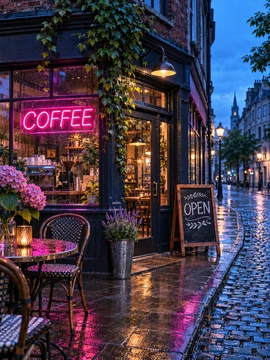
Night shots and signs
A street scene for a post: compare the neon sign, but do not rely on the model to restore tiny lettering.
Example: prepare the portrait for a post
The portrait above grows from 270 × 360 to 1080 × 1440 px. That is 1080 px wide, but taller than the 1080 × 1350 post preset: fitting that frame requires cropping or adding space. Inspect the face before publishing.
Example: use the illustration in a grid
The illustration above also reaches 1080 × 1440 px at 4×. That is enough pixels for one 1080 px-wide tile, not three across: those need about 3240 px of source width. Starting with a larger image may be necessary.
Three steps
How to upscale image files online
1.Add your picture
Open Upscale Image and press Upload image, drop a file on the page or paste one. JPG, PNG, WebP and iPhone HEIC all open.
2.Pick 2×, 4× or a size
2× is free without an account; 4× and target sizes need sign-in and an AI credit for each image. Check the estimated output size before you start.
3.Compare and download
Drag across the close-up to check the detail, then press Download, or send the picture on to a grid or a split.
How big
Upscale image size by 2×, 4× or to exact pixels
Choose a multiplier or a target size and the tool works out the scale. Output can fall short of the target when the image reaches the size limit. Target sizes require sign-in and one AI credit per image.
- 2×Upscale image width and height by two. Free every day, no account.
- 4×Upscale image width and height by four, for small web pictures.
- To a sizeInstagram post, Story, 4K or a width you type.
Will it be big enough?
Type your picture's size to see what Upscale Image gives you.
| Reaches | Now800 × 1000 | After 2×1600 × 2000 | After 4×3200 × 4000 |
|---|---|---|---|
| Instagram post1080 × 1350 | |||
| Story or Reel cover1080 × 1920 | |||
| 4K screen3840 px long side | |||
| A4 print at 300 dpi2480 × 3508 |
For Instagram
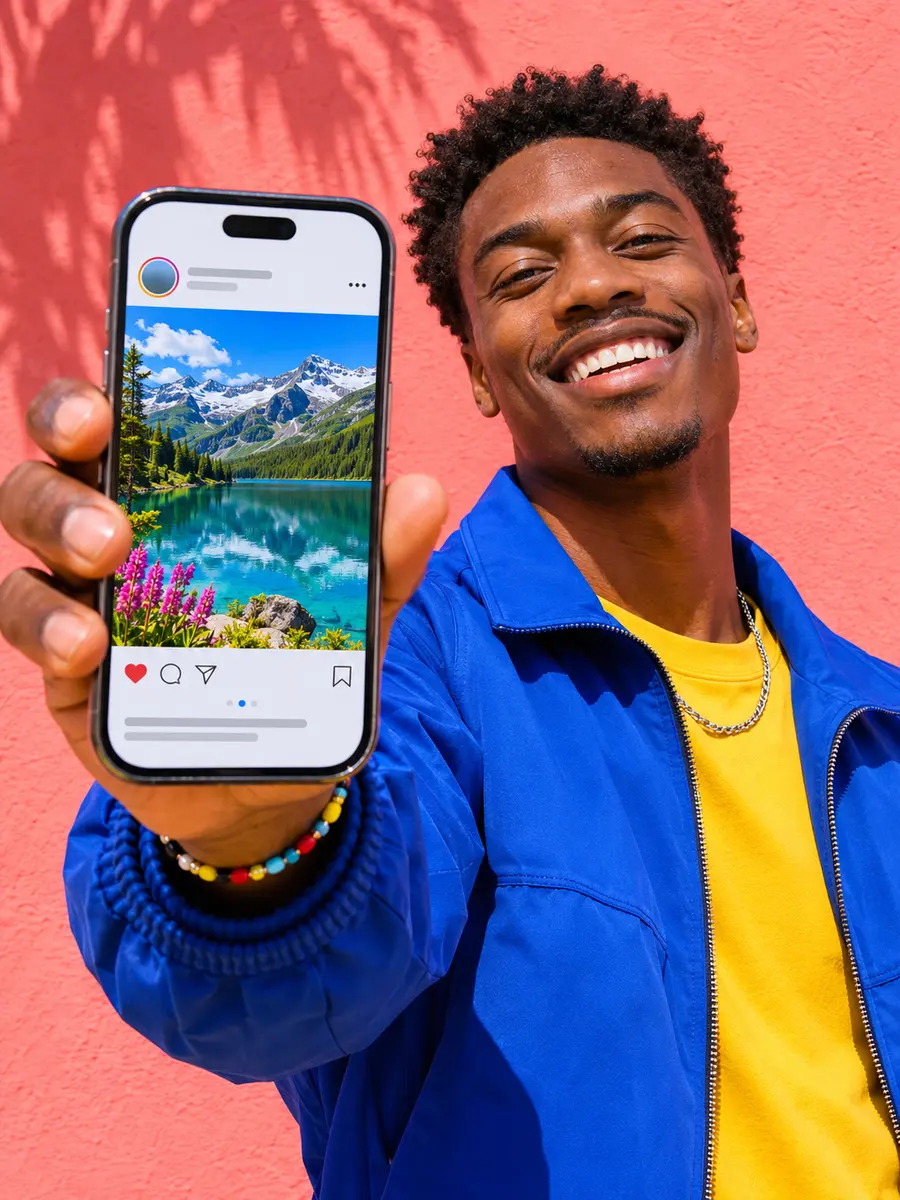
Upscale image files for Instagram posts and Stories
A photo saved from a chat may have fewer pixels than you need for a post or Story. Upscale it, inspect the face and lettering, then download it or send it to the Instagram grid maker. Upscaling adds pixels, but cannot guarantee how Instagram will display or compress the result.
Planning a wall of posts? Three 1080 px-wide tiles need a picture about 3240 px across. Check the output dimensions and size limit, then split it into an Instagram grid. For slides, try the carousel maker. More dimensions are in the Instagram grid size guide.

Private by design
Upscale image files privately: nothing is uploaded
Upscale Image sends the model to your browser instead of sending your picture to our servers. Client work, family photos and unreleased product shots are processed on your own device.
- The model comes to youReal-ESRGAN (realesr-general-x4v3), about 5 MB, is downloaded to your browser.
- Your device does the workONNX Runtime Web uses WebGPU when available, with a WebAssembly fallback.
- Our server sees no pixelsSigned-in 4× and target-size runs use a server-side credit balance; the image stays on your device.
Limits
How large can you upscale an image?
This tool caps output at 16 megapixels and 8,000 px on the long side. Smaller pictures can get the full scale; larger ones may be capped or too large to upscale. Device and browser memory can also affect whether a run succeeds.
| Scale | Largest input | For example | Result |
|---|---|---|---|
| 2× | 4 MP | 2000 × 2000 px | 4000 × 4000 px |
| 4× | 1 MP | 1000 × 1000 px | 4000 × 4000 px |
Files up to 50 MB. The long side of a result stops at 8,000 px.
For print
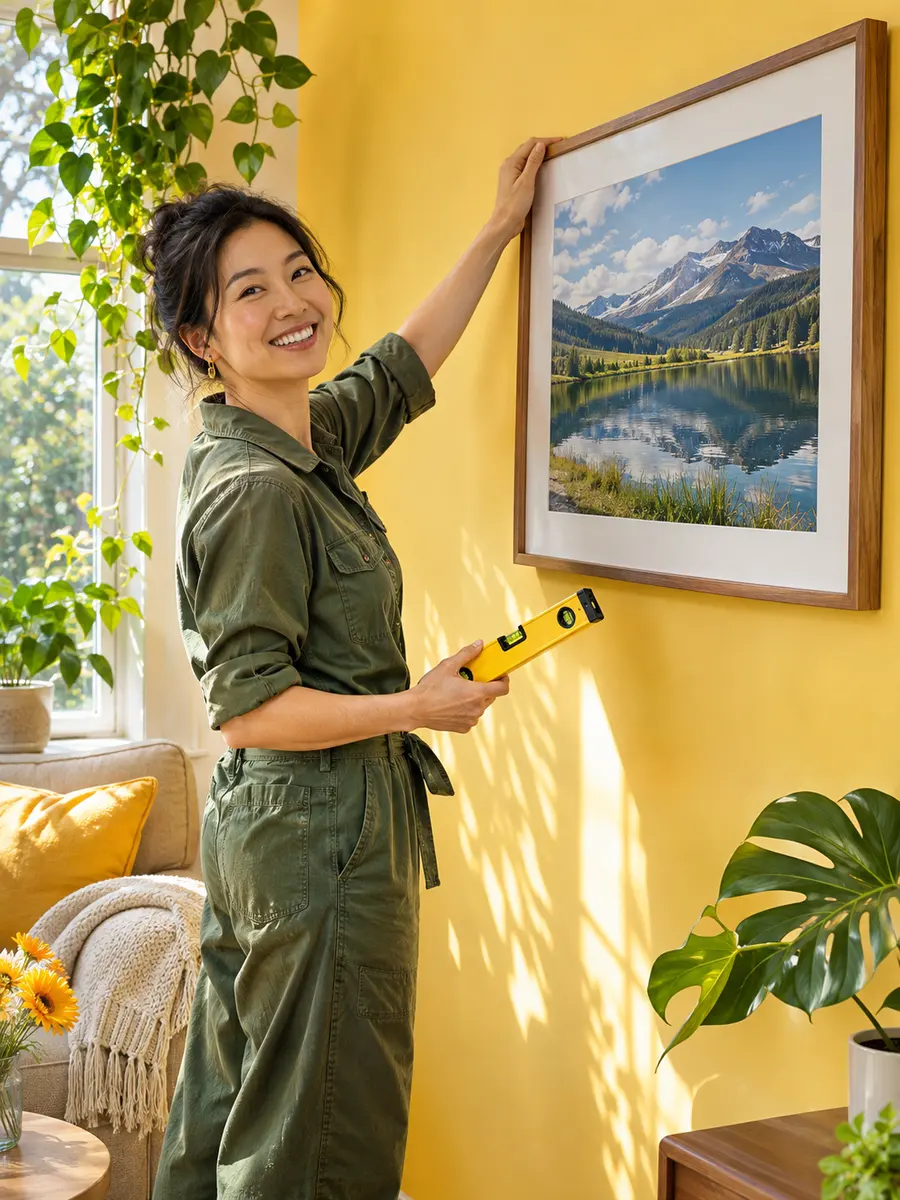
Upscale a photo before you print it
300 pixels per inch is a common print planning reference, though requirements vary by printer and viewing distance. Upscaling increases the pixel dimensions, but does not guarantee print quality. Inspect the result closely and check your print provider's requirements.
| Picture | Prints at | After upscaling |
|---|---|---|
| Thumbnail or preview600 × 800 px | 5.1 × 6.8 | 20.3 × 27.14× · 2400 × 3200 px |
| Small web photo800 × 1000 px | 6.8 × 8.5 | 27.1 × 33.94× · 3200 × 4000 px |
| Messaging-app photo1200 × 1600 px | 10.2 × 13.5 | 29.3 × 39.02.88× · 3456 × 4608 px |
Going bigger than your printer's paper? Upscale first, then split the image across A4 pages and tape the sheets into a poster.
Know what to expect
What an image upscaler fixes, and what it can't
Upscale Image works well on
- Soft phone photos and old digital-camera pictures
- Small web images, thumbnails and screenshots
- Illustrations, logos and AI-generated pictures
- JPEG blocks and jagged edges
Will not rescue
- A face or subject that is out of focus
- Text that was never readable
- Motion blur from a moving camera
- Colour, exposure or old-photo scratches
Upscale Image adds resolution; it is not a retoucher. The model estimates detail it cannot see, so always look over faces, hands and small lettering in the close-up before you post or print.
Free and Pro
Upscale image free at 2×; sign in or go Pro for 4×
Without an account, get 3 free 2× images a day; a free account gets 10. For your own images, 4× and target sizes require sign-in and one AI credit per image. Free accounts get 3 credits per UTC calendar month; Pro and Lifetime get 200. Credits are shared with AI-written carousels. All downloads are watermark-free.
Compare plans| What you get | No account | Free account | Pro · Lifetime |
|---|---|---|---|
| 2× upscales | 3 a day | 10 a day | Unlimited |
| Shared AI credits per month | Sample only | 3 | 200 |
| Images per run | 1 | 3 | 50 |
| Watermark | Never | Never | Never |
| Upscale before splitting | – | Counts as a 4× | Counts as a 4× |
FAQ
Upscale image questions
Step-by-step pictures for Upscale Image are in the help center. Making slides instead? The carousel maker takes the sharper picture as a background.
How do I upscale an image for free?
Can I upscale an image without losing quality?
Is my image uploaded when I upscale it here?
What is the difference between 2× and 4×?
How big can I upscale an image?
Which formats can I upscale and download?
Does it work on a phone?
Can an AI image upscaler fix a blurry photo?
Do I need an account for 4×?
Can I upscale several images at once?
Upscale your first image
Try 3 free 2× upscales a day without an account. Your picture stays on your device.
Keep going
- Instagram grid makerTurn one photo into a seamless 3-column profile grid.
- Image SplitterCut any image into a grid, exact pixel tiles or printable poster pages, with every piece kept at full size.
- Carousel makerPick a template, change the words and photo, and download Instagram carousel slides or a LinkedIn PDF.
- Instagram grid size guideTile and source photo sizes, a fix for grids that do not line up, seamless carousels and LinkedIn PDFs.
- Plans & pricingFree single grids. Compare Pro and Lifetime for larger batches.
- Help centerStep-by-step guides for every tool.