Grid guide
Instagram grid size: dimensions, fixes and carousels
The Instagram grid size we export is 1080 × 1440 pixels per tile, a 3:4 portrait shape. For a nine-post grid, start from a 3240 × 4320 crop so nothing gets enlarged.

Instagram grid size at a glance
- pixels per tile
- 1080 × 1440
- tile shape
- 3:4
- columns, always
- 3
The Instagram grid size never changes width: the profile wall is always three posts wide. Only the number of rows changes, from one row of three to six rows of eighteen.
Instagram grid size by tile shape
Post size and profile preview size are different things. These are the file sizes the grid maker exports; the Instagram grid size you pick decides how much of each one shows on your profile. For layouts beyond the Instagram grid size, such as halves, pixel tiles or print pages, use the image splitter.
1080 × 1440 px
The default Instagram grid size. Matches the portrait profile preview, so nothing is hidden.
1080 × 1350 px
A shorter portrait post. Check the profile crop before posting the set.
1080 × 1080 px
Square artwork. The profile preview may trim the sides.
Source photo size for every Instagram grid size
Multiply the tile by the layout to get the source photo for each Instagram grid size. These crops fill the whole grid at 3:4 with no extra zoom; anything smaller gets enlarged.
3 posts
1 row
3240 × 1440
6 posts
2 rows
3240 × 2880
9 posts
3 rows
3240 × 4320
12 posts
4 rows
3240 × 5760
15 posts
5 rows
3240 × 7200
18 posts
6 rows
3240 × 8640
Nine posts, highlighted, is the most common Instagram grid size. A 1620 × 2160 crop has half those pixels in each direction, so every tile is enlarged 2×.
Check your photo against the Instagram grid size
Compare pixels
Open the sharpness calculator and enter your photo size and row count to compare it with the Instagram grid size.
Zoom less, or drop a row
Each row you remove from the Instagram grid size lowers the source you need by 1440 px.
Upscale only when needed
AI upscaling estimates detail; it cannot restore the original. Inspect faces and text afterwards. To enlarge a small photo before you split it, use the AI image upscaler.

Layouts at the default Instagram grid size
Three common layouts at the default Instagram grid size, with the source crop each one needs.
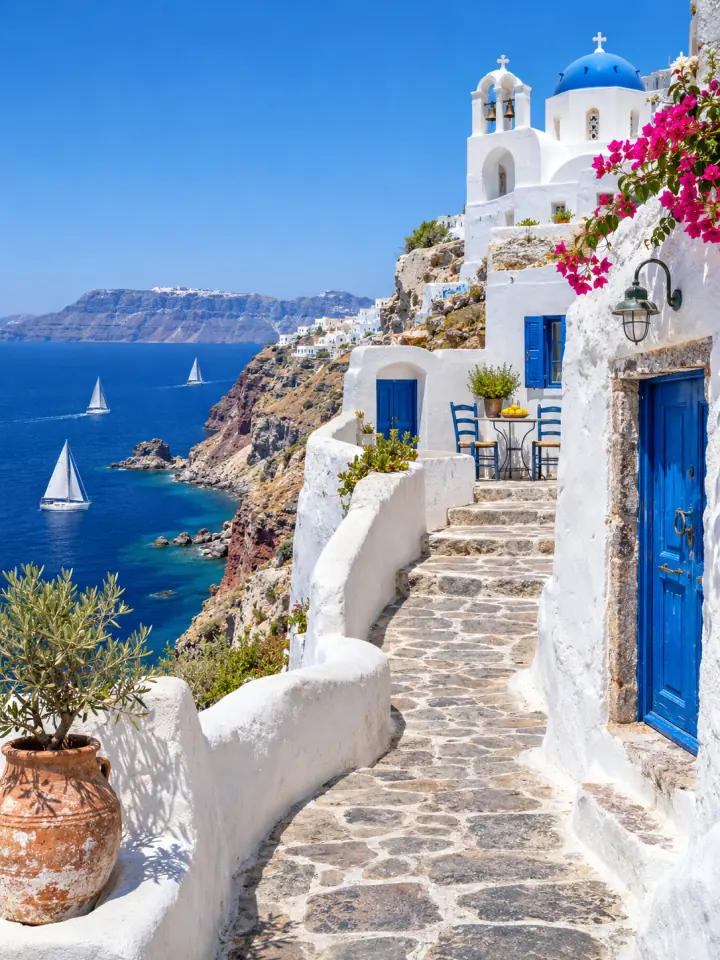
3 posts
A one-row panorama. Source crop 3240 × 1440.
6 posts
A two-row feature. Source crop 3240 × 2880.

9 posts
A full reveal. Source crop 3240 × 4320.
Instagram grid not lining up? Check size, crop and order
Tiles at the right Instagram grid size can still land in the wrong place. Match what you see to the cause before you post again.
Edges missing between tiles
Check: Tile shape and preview crop
Export 3:4, the default Instagram grid size, so the profile preview shows the whole tile.
Pieces in the wrong places
Check: Posting order
Post #1 first, then #2 and onward. Never reverse the files.
A finished picture shifts
Check: Pinned or new posts
Unpin first and post nothing else until the set is done.
Right layout, soft detail
Check: Source resolution
Use a larger original or less zoom for your Instagram grid size.
The finished profile reads 9, 8, 7 on top and 3, 2, 1 at the bottom, so file #1 is posted first and #9 last. The order is the same at every Instagram grid size. The help center explains the posting queue that tracks this for you.
Seamless carousel: one wide photo across slides
A carousel keeps every slide inside one swipeable post, so it does not follow the Instagram grid size or its reverse order. Pick a wide photo and keep faces and text away from the joins.
Wide photo
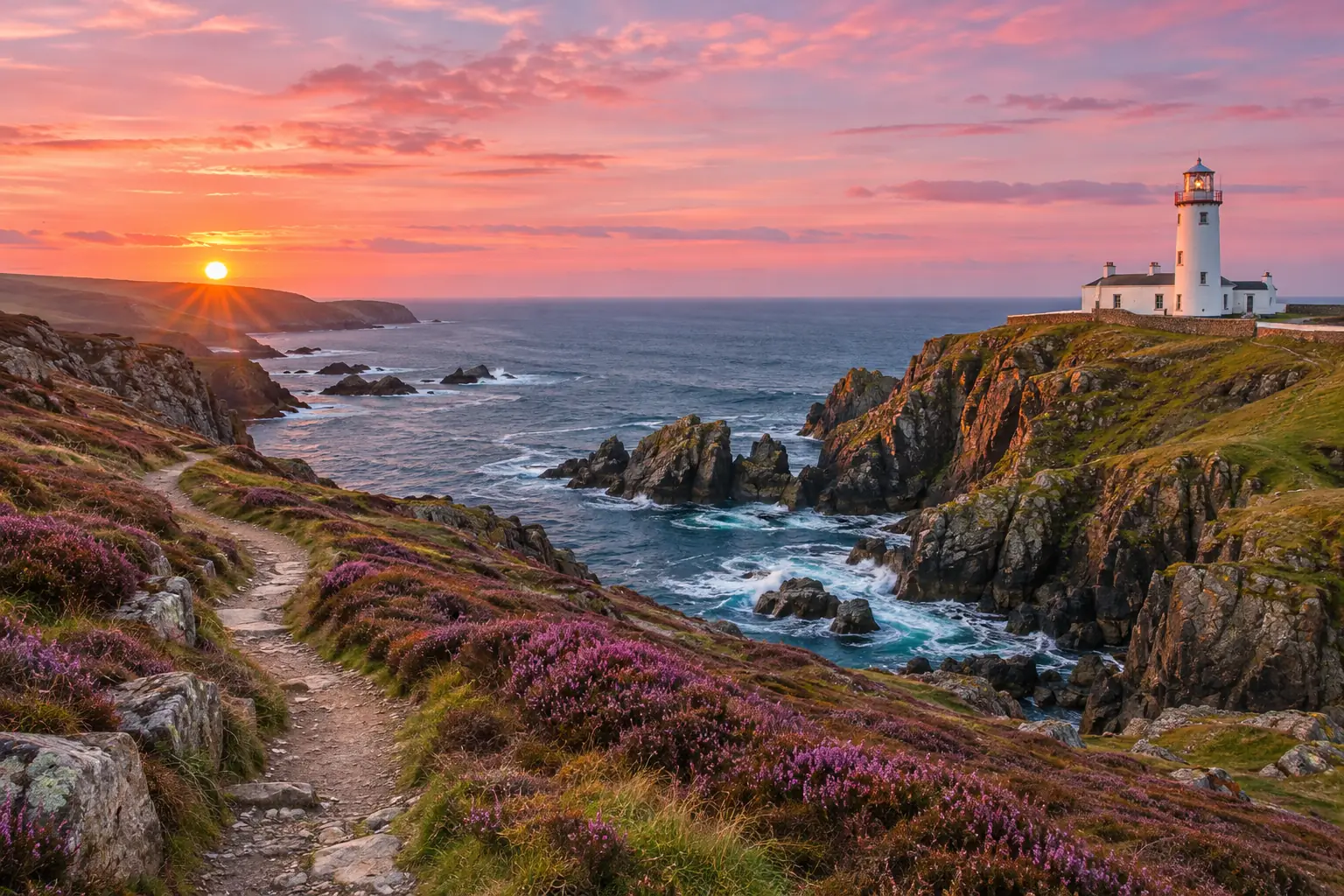
Split preview
3 slides in left-to-right order.
- 1
In the carousel maker, press Start from one wide photo. Wider than 2:1 works best.
- 2
Check the first edge, every seam and the last crop. It picks 2 to 10 slides from the photo shape.
- 3
Add a caption to slide 1 if you need one. Leave the others clear.
- 4
Download the PNG slides or use Save to Photos, then select slide 1 first in Instagram.
Unlike the 1080 × 1440 Instagram grid size, the carousel maker defaults to 4:5: three 1080 × 1350 slides need a 3240 × 1350 strip to avoid enlargement. Keep every slide the same shape after download, or the seams drift.
LinkedIn carousel: make and upload a PDF
On LinkedIn a carousel is a document post: one PDF, one page per slide. Pages are 1080 × 1350 by default, not the Instagram grid size. Bring your own words; the tool lays them out but does not write copy.

Plan next week in 20 minutes
PDF page 1 of 5
Plan five pages, one job each
- 1. CoverPlan next week in 20 minutes
- 2. ProblemToo many unfinished tasks
- 3. MethodCollect, prioritise, block time
- 4. ExampleOne planned day
- 5. ClosingWhich task comes first?
Export and upload
- 1
Pick a free template in the carousel maker, replace the text and check it in Preview.
- 2
Choose PDF for LinkedIn and open the file to proofread every page.
- 3
On LinkedIn, choose Start a post, More, then Add a document (on mobile: Post, More, Document). Add a title and publish.
LinkedIn allows documents up to 100 MB and 300 pages, and a published document cannot be swapped. Source: LinkedIn Help, “Upload and share documents”, reviewed November 6, 2026. Free templates add a small credit to the last page; Pro and Lifetime remove it. After you download, Next post in this style keeps the look for your next one.
Open the carousel makerFrequently asked questions
What Instagram grid size should I use?
Is the Instagram grid size the same as the post size?
What if my photo is smaller than the Instagram grid size needs?
Why is my Instagram grid not lining up?
Can I publish seamless carousel slides in reverse order?
Can I replace a LinkedIn carousel PDF after publishing?
How many posts can one grid have?
Try it on your own content
Start with a free single-photo grid. Your last grid and posting queue stay on this device, so you can return to finish publishing.
Sign in when you want the free AI upscale trial or a batch export. Paid plans unlock larger batches and your watermark. Projects stay on this device; sign-in does not enable cross-device project sync.
Keep going
- All Instagram guidesEvery grid and carousel guide in one place, sorted by the problem you are trying to solve.
- Instagram grid makerTurn one photo into a seamless 3-column profile grid.
- Carousel makerPick a template, change the words and photo, and download Instagram carousel slides or a LinkedIn PDF.
- Image SplitterCut any image into a grid, exact pixel tiles or printable poster pages, with every piece kept at full size.
- Upscale ImageMake a small picture 2× or 4× larger with AI in your browser. Nothing is uploaded.
- Carousel editorChange fonts, colours, backgrounds, layouts and branding on every slide, then export PNG, JPG or PDF.
- Help centerStep-by-step guides for every tool.
- Plans & pricingFree single grids. Compare Pro and Lifetime for larger batches.