3x3 Maker
This 3x3 maker puts your top 9 in one picture: search anime, manga and characters or add your own photos. Free, no sign-up, no watermark.
Fill the squares
Runs in your browser. Title search goes straight to AniList, with adult titles hidden.Click a result and it goes into the highlighted square.
Or drop or paste them anywhere on this tool.
Cutting one photo into 9 posts instead? Image splitter →
Grid and look
Grid
Style
Download
Size
Format
1080 × 1080 px0 of 9 filled
Start your top 9
Search a title and click a result: it fills square 1, then square 2, and so on.
Or start from a sample
- 3searches: anime, manga, characters
- 2×2–5×5grids, 3×3 by default
- 1080 · 2160square or Story 1080 × 1920
- 0uploads, watermarks or sign-ups
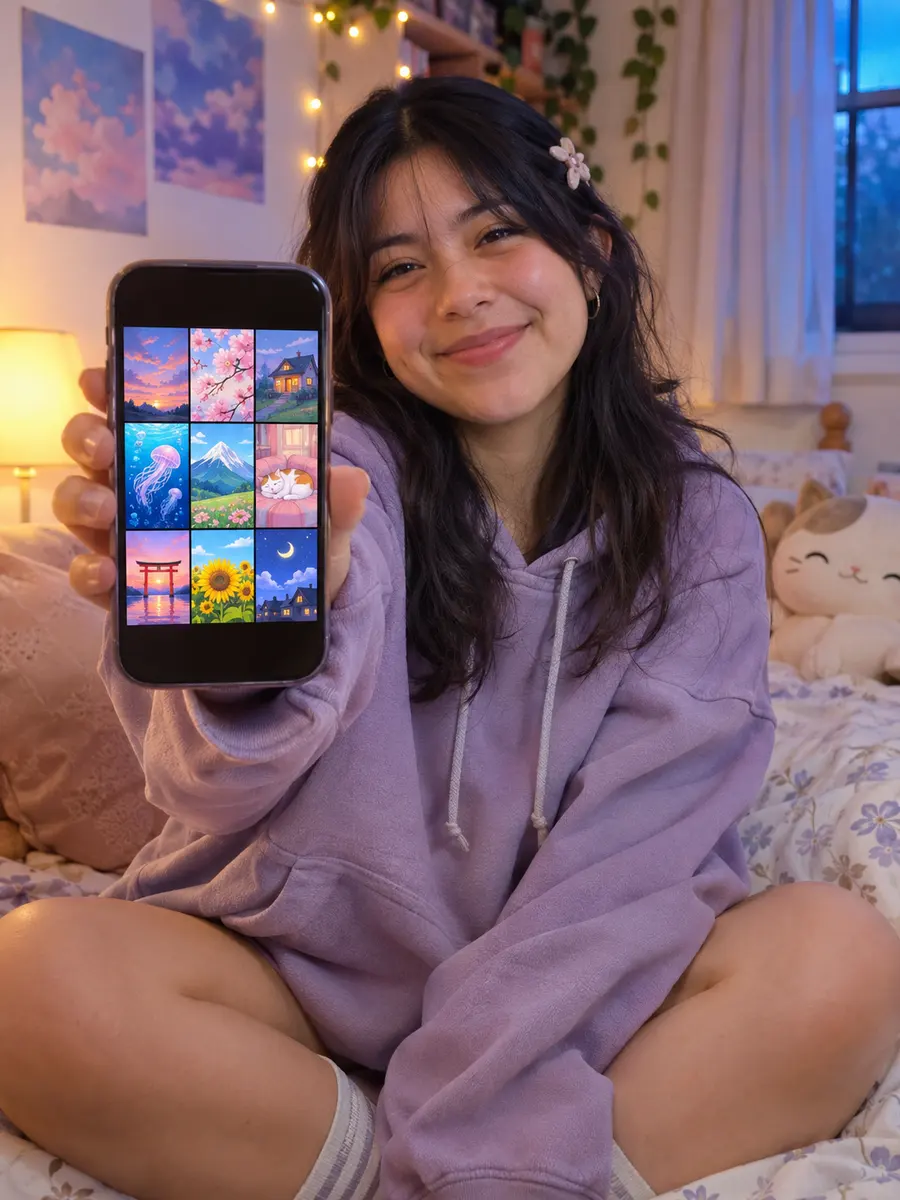
The meaning
What is an anime 3x3?
An anime 3x3 is the nine anime that made you who you are as a fan, in one picture. It is the fastest way to say “this is my taste”: a stranger reads it in seconds and already knows whether you will get along. This 3x3 maker builds that picture for you, cover by cover.
- 1TitleSays what the nine are: top anime, comfort shows, this year's watches.
- 2Nine squaresOne cover each. Many people read the order like a ranking, left to right.
- 3NamesOptional. Helps when a cover alone could be any season.
- 4CreditYour handle, so the grid finds its way back to you when it is reposted.
The same idea works for anything with a cover. A 3x3 maker is just as happy with games, albums, films, books or the food you would fly across the world for.
Examples
3x3 maker examples to start from
Three finished grids made with this 3x3 maker from our own illustrations and photos. Press the button under one to load the same pictures into the tool and change anything.
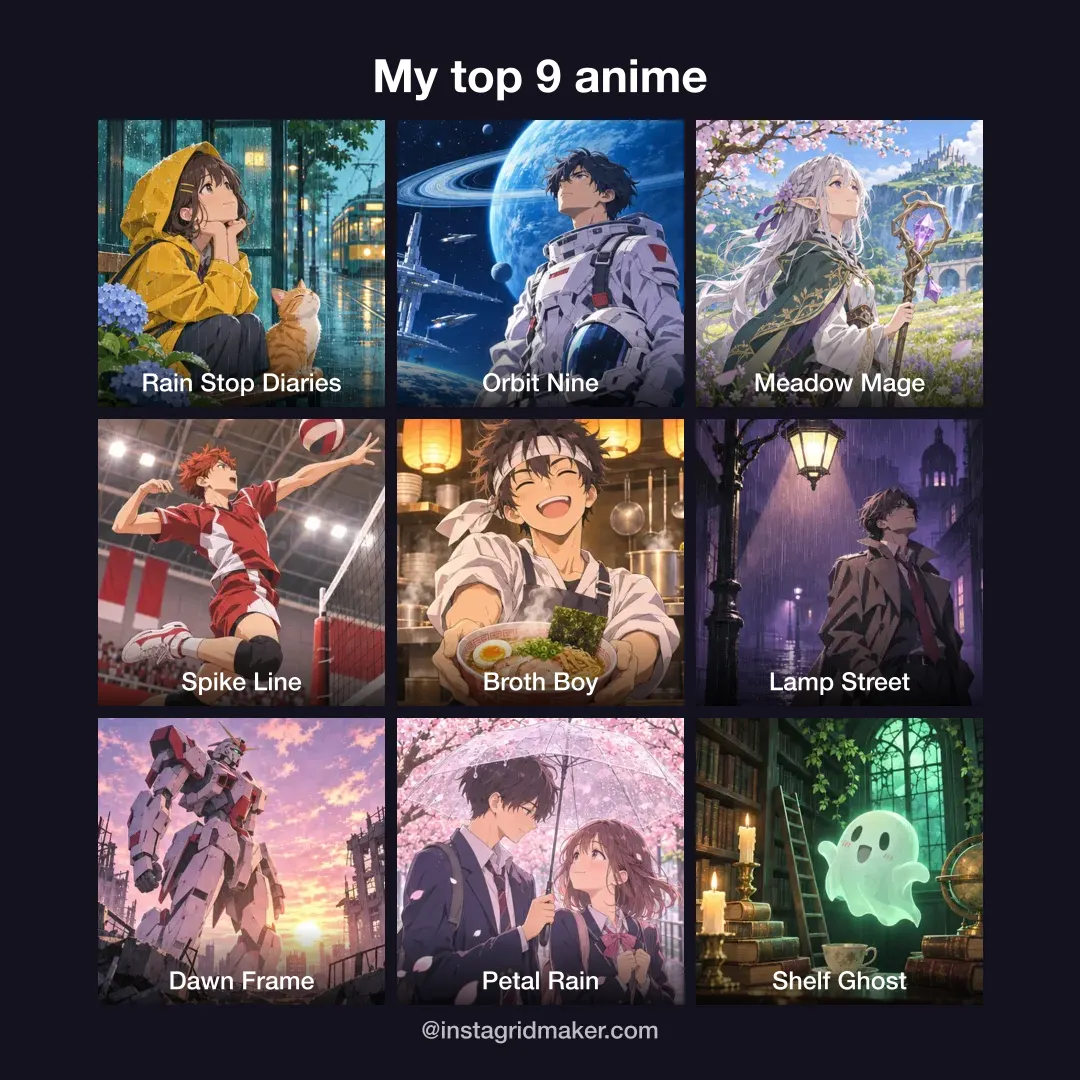
Anime 3x3
Dark background, names on, credit line.
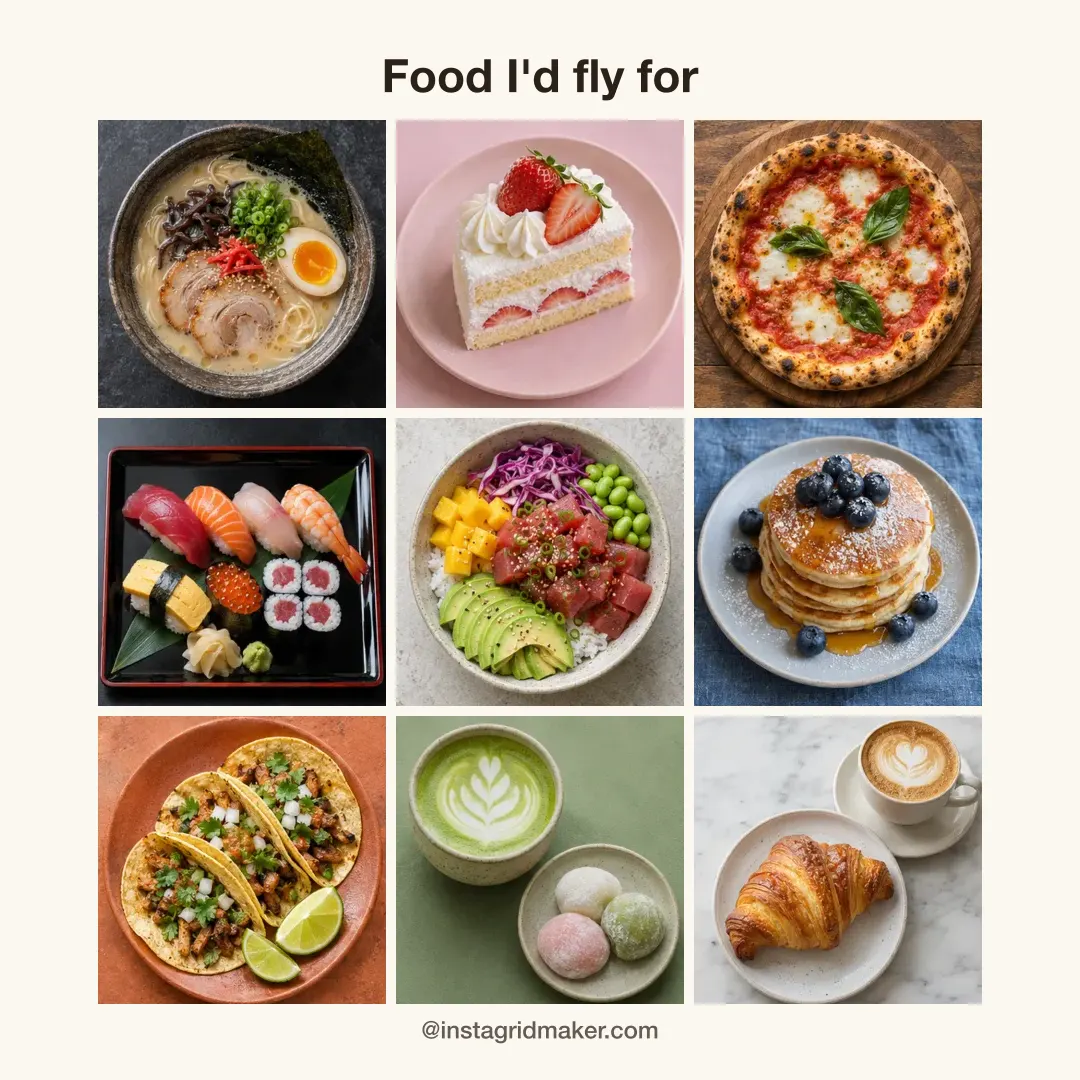
Food 3x3
Warm cream background, no names needed.
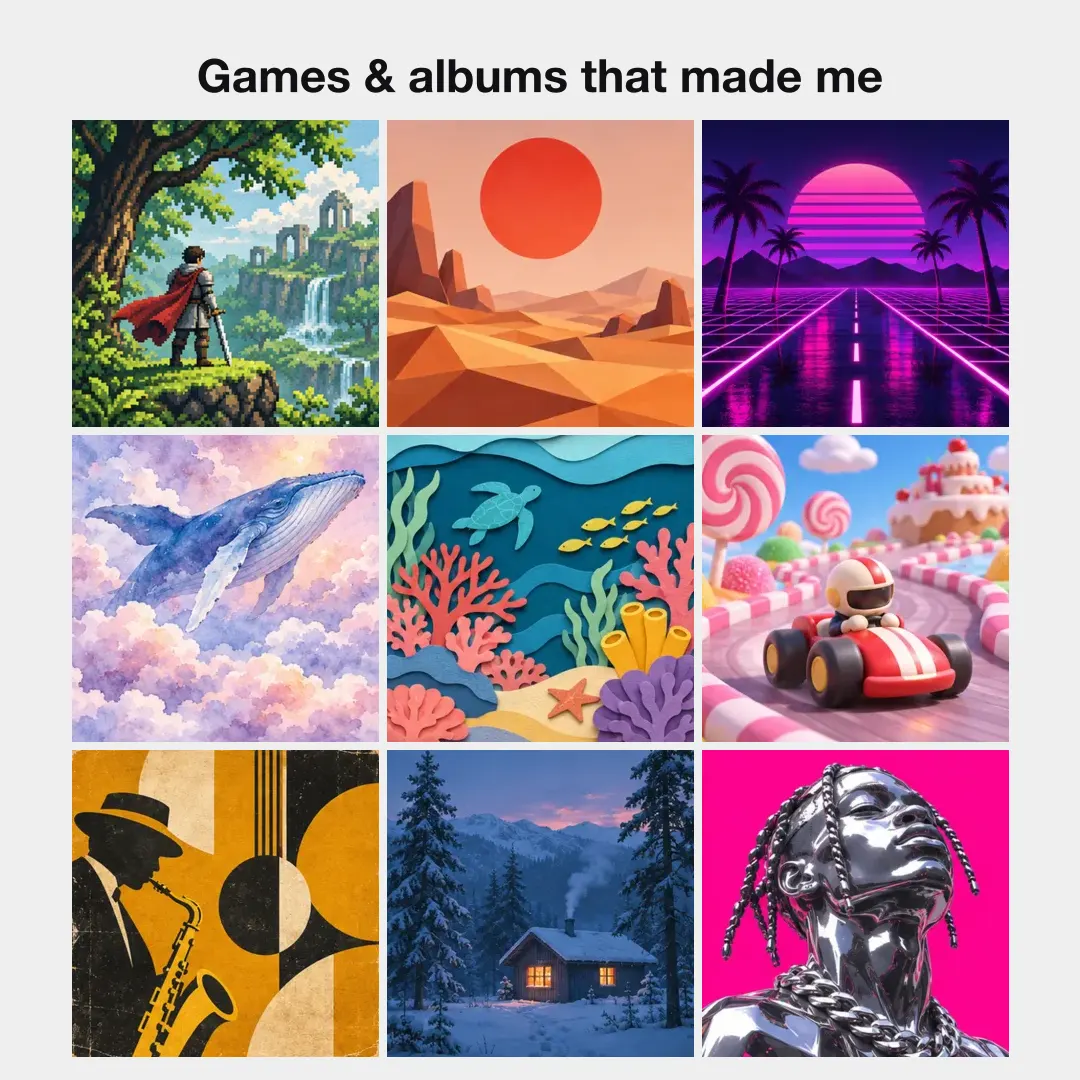
Games & albums
Light grey, thin spacing, title only.
Before you post
The unwritten rules of an anime 3x3
Nobody wrote them down, but threads where fans share their 3x3 tend to follow the same habits. None of them are enforced by the 3x3 maker; they just make your grid read better.
- RULE 1
One per franchise
Pick the season or film that stands for the series. Three seasons of one show crowd out six others.
- RULE 2
Watched it, loved it
A 3x3 is what shaped your taste, not a to-watch list or the shows you feel you should like.
- RULE 3
Order is optional
Ranked or not, say so. If ranked, number one goes top left, where people start reading.
- RULE 4
Characters get their own
Shows and characters are kept apart. A character 3x3 is its own post.
- RULE 5
Expect replies
Posting a 3x3 invites people to guess your taste and argue about square five. That is the fun.
- RULE 6
Make it findable
Add a title and your handle in the 3x3 maker. A grid without either loses its owner the first time it is shared.
Four steps
How to use the 3x3 maker
 1
Search a title
Open the 3x3 maker, keep the Anime tab or switch to Manga or Characters, and type. Results appear as you type.
 2
Click to place it
The cover lands in the outlined square and the next one lights up. Adjust crop moves it if a face is cut off.
 3
Reorder and style
Drag a picture onto another to swap them. Set the spacing, background, title and names.
 4
Download
Pick Post, HD, Print or Story and PNG, JPG or WebP, then press Download. The 3x3 maker keeps your grid for next time.
Screenshots of every control are in the help center.
Any size, any topic
A 3x3 grid maker that also does 4x4 and 5x5
Nine is the classic, but a 2×2 suits a season's top four and a 5×5 fits a year of watching. The 3x3 maker keeps every picture when you change size, so you can try all four.
- Food, pets, travel or art: choose Upload and add your own photos.
- Story size puts the grid in the middle of a 1080 × 1920 picture with room for the title.
- At 2160 the 3x3 maker can sharpen small covers with AI on your device.
Why this one
How this 3x3 maker compares
| Feature | This 3x3 maker | Typical generator |
|---|---|---|
| Search anime, manga and characters | Some | |
| Your own pictures, many at once | Some | |
| Square crop you can adjust later | Some | |
| 2×2 to 5×5 and Story size | Rare | |
| Your grid kept when you come back | Rare | |
| Pop-up ads before you can start | Some |
The 3x3 maker is free, with a few extras
- Search, upload, every grid, the Classic style and sizes up to 2160: no watermark, no sign-up.
- Pro styles in the 3x3 maker: Ranked badges, Rounded, Magazine and Neon. Try them free, download with Pro.
- AI sharpening at 2160: free every day, 10 a day with a free account. Print 3840 sharpens 4× for one AI credit.
- My 3x3s on your account, on any device: 3 on a free account; Pro and Lifetime keep as many as you like.
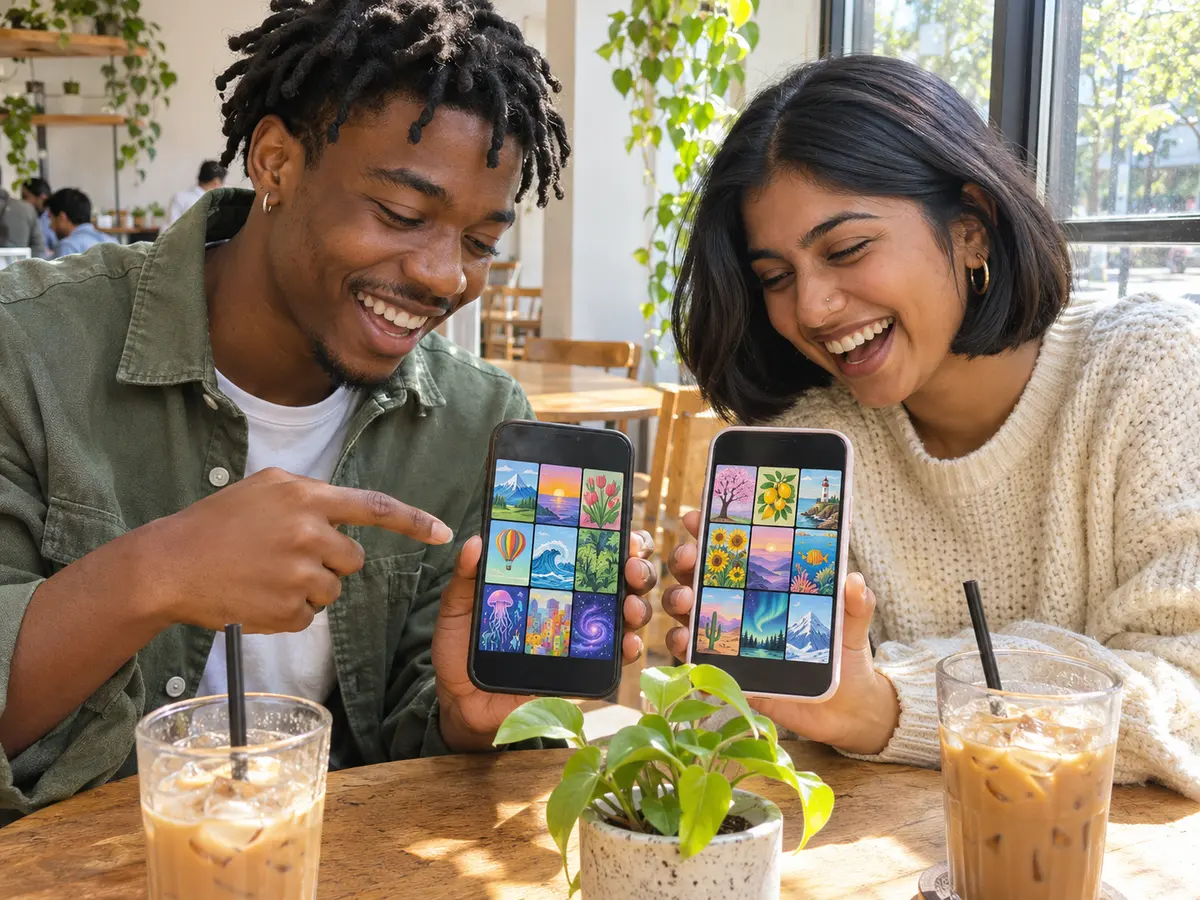
After the download
From the 3x3 maker to a post people answer
- Nine posts, one big pictureAfter downloading from the 3x3 maker, press Cut into 9 posts or open the image splitter, to turn the grid into nine tiles for your profile.
- Let friends make theirsPress Share link above the grid, or Copy link after downloading. The link rebuilds your grid from the titles, so a friend can swap in their own picks in the 3x3 maker.
- A cover too small?Run a single picture through Upscale image before adding it to the 3x3 maker.
- The wrong shape for a post?Fit the finished grid into a 4:5 post without cropping with the photo resizer.
- Want to explain each pick?Turn your nine into slides with the carousel maker, one show per slide.
Covers and privacy
Where the 3x3 maker gets its covers
Your browser
Runs the 3x3 maker: draws, crops and exports the grid. Your own pictures stay here.
AniList
Answers title searches and serves the covers, straight to your browser. Adult titles are hidden.
Our servers
Never see your pictures or your searches. Covers are not copied or stored by us.
Covers and character art belong to their publishers and studios. Use what you make with the 3x3 maker for fan sharing, not to sell anything. If you own artwork and want it handled differently, contact us and we will respond. The details are in our privacy policy.
FAQ
3x3 maker questions
What is a 3x3 maker?
What does anime 3x3 mean?
How do I make an anime 3x3?
Is this 3x3 maker free?
Where do the covers come from?
Can I use my own pictures in the 3x3 maker?
Can I make a 4x4 or 5x5 instead?
Can I make a character 3x3?
What size should I download?
Why do covers look soft at 2160?
Will my 3x3 still be here tomorrow?
Does the 3x3 maker work on a phone?
Make your top 9 with the 3x3 maker
Free, no account, no watermark. The 3x3 maker keeps your grid, so you can finish it later.
Keep going
- Image SplitterCut any image into a grid, exact pixel tiles or printable poster pages, with every piece kept at full size.
- Instagram grid makerTurn one photo into a seamless 3-column profile grid.
- Upscale ImageMake a small picture 2× or 4× larger with AI in your browser. Nothing is uploaded.
- Photo ResizerResize a photo to Instagram sizes, exact pixels or a file size in KB, without cropping it. Nothing is uploaded.
- Carousel makerPick a template, change the words and photo, and download Instagram carousel slides or a LinkedIn PDF.
- Instagram grid size guideTile and source photo sizes, a fix for grids that do not line up, seamless carousels and LinkedIn PDFs.
- All Instagram toolsGrid maker, carousel maker, image splitter, upscaler, three photo resizers, a batch cropper and 3x3 maker on one page, with what each is for.
- Help centerStep-by-step guides for every tool.
- Plans & pricingFree single grids. Compare Pro and Lifetime for larger batches.